How can I change the speed setting in the game?
After entering free play mode, locate the speed setting at the bottom left corner of the UI. It likely displays '-10'. Click on it to adjust the speed.
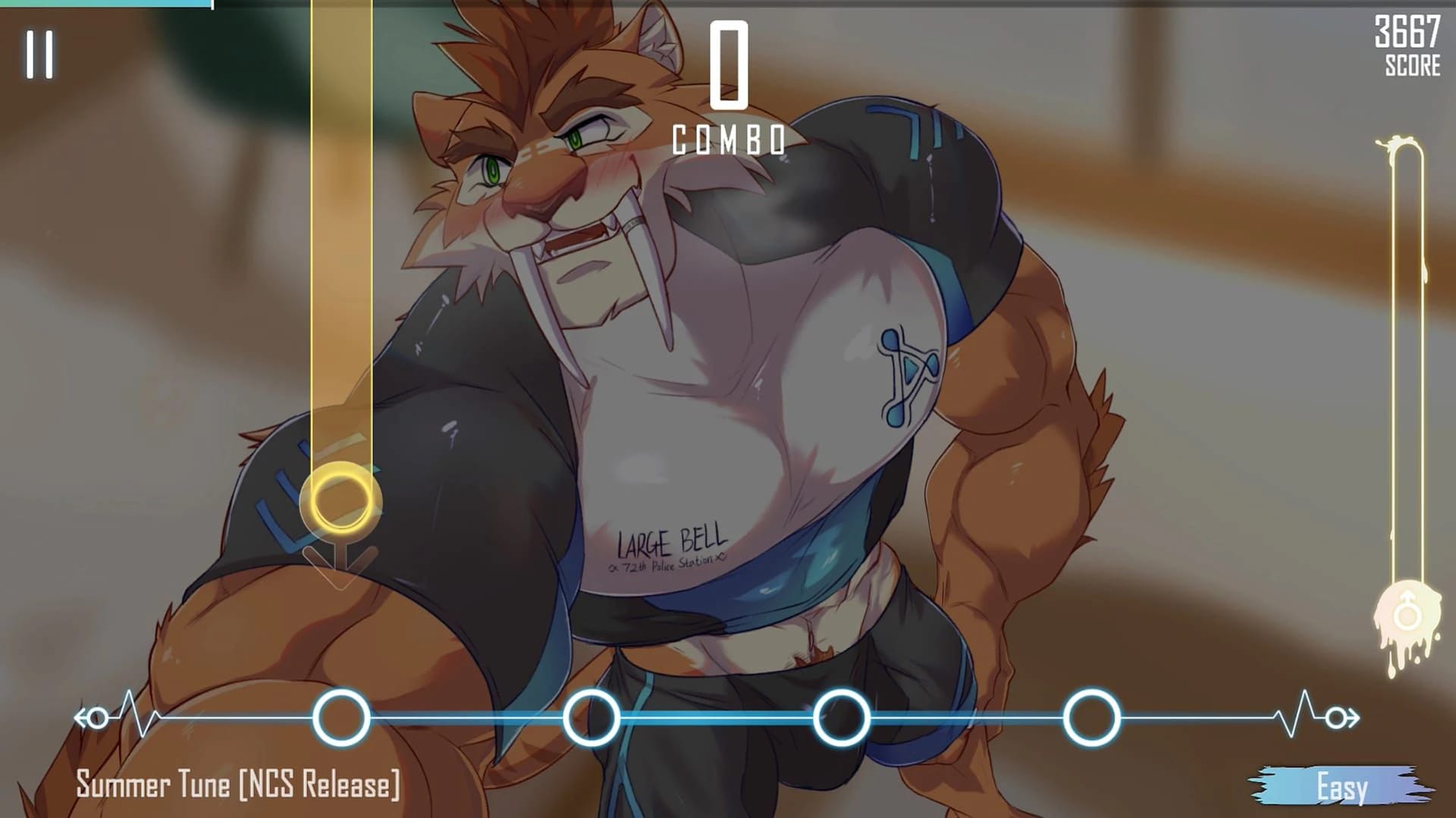
Cheats and codes for this game are available to signed-in members.
After entering free play mode, locate the speed setting at the bottom left corner of the UI. It likely displays '-10'. Click on it to adjust the speed.
You can download the VN animations from this Gofile link: [Gofile](https://gofile.io/) (Note: The specific file path or direct link is not provided in the comments.)
The 'April's Fools' song is a temporary addition and may not be permanently available in the game.
The Lee Wyrmheart level was added in version 0.1.15, appeared in version 0.1.16 but was removed from version 0.2.17. It reappeared and works with version 0.2.18c if the patch is applied.
Visual novel animations are part of the game and can be unlocked by progressing through specific storylines or completing certain objectives.
Workaround: Create a new folder for the game and clean out everything in \AppData\LocalLow\DefaultCompany\BeastBeat. If it still crashes, the issue may be elsewhere.
Workaround: Apply a patch to make missing level appear again
Version: all versions tried
This Visual Novel · Unity game is available for free on LELALOL. No payment required — sign in to unlock direct download links for Windows, Mac, Linux, Android, and iOS when available.
Last updated on LELALOL: Oct 6, 2026