LELALOL
Search
RandomThePornDude
Search
RandomThePornDude

© 2026 LELALOL. Adult games free download.

AboutContactTerms and RulesPrivacy and Cookie PolicyBest Porn Sites
  1. Home
  2. /
  3. Games
  4. /
  5. Beat Banger
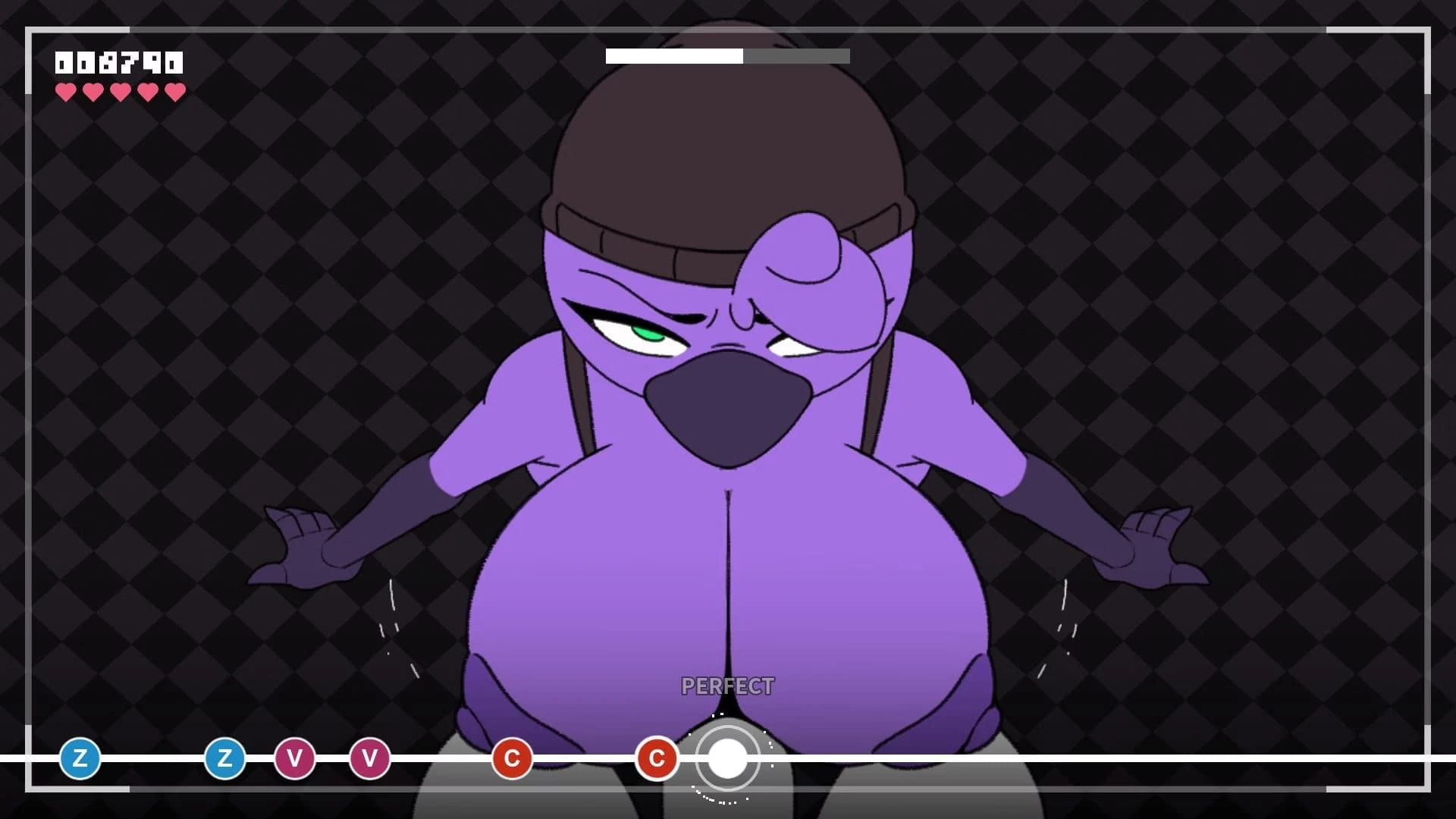
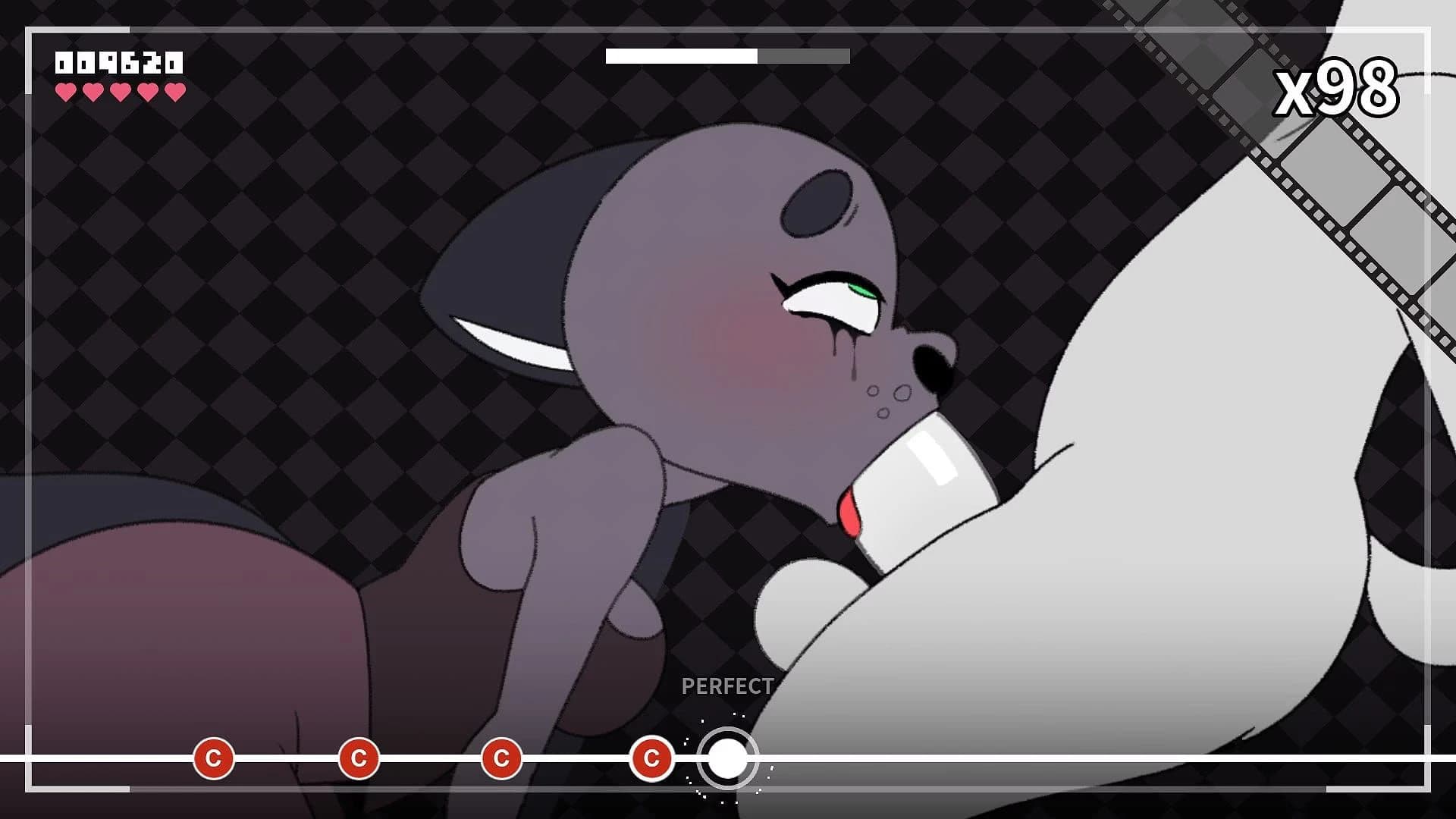
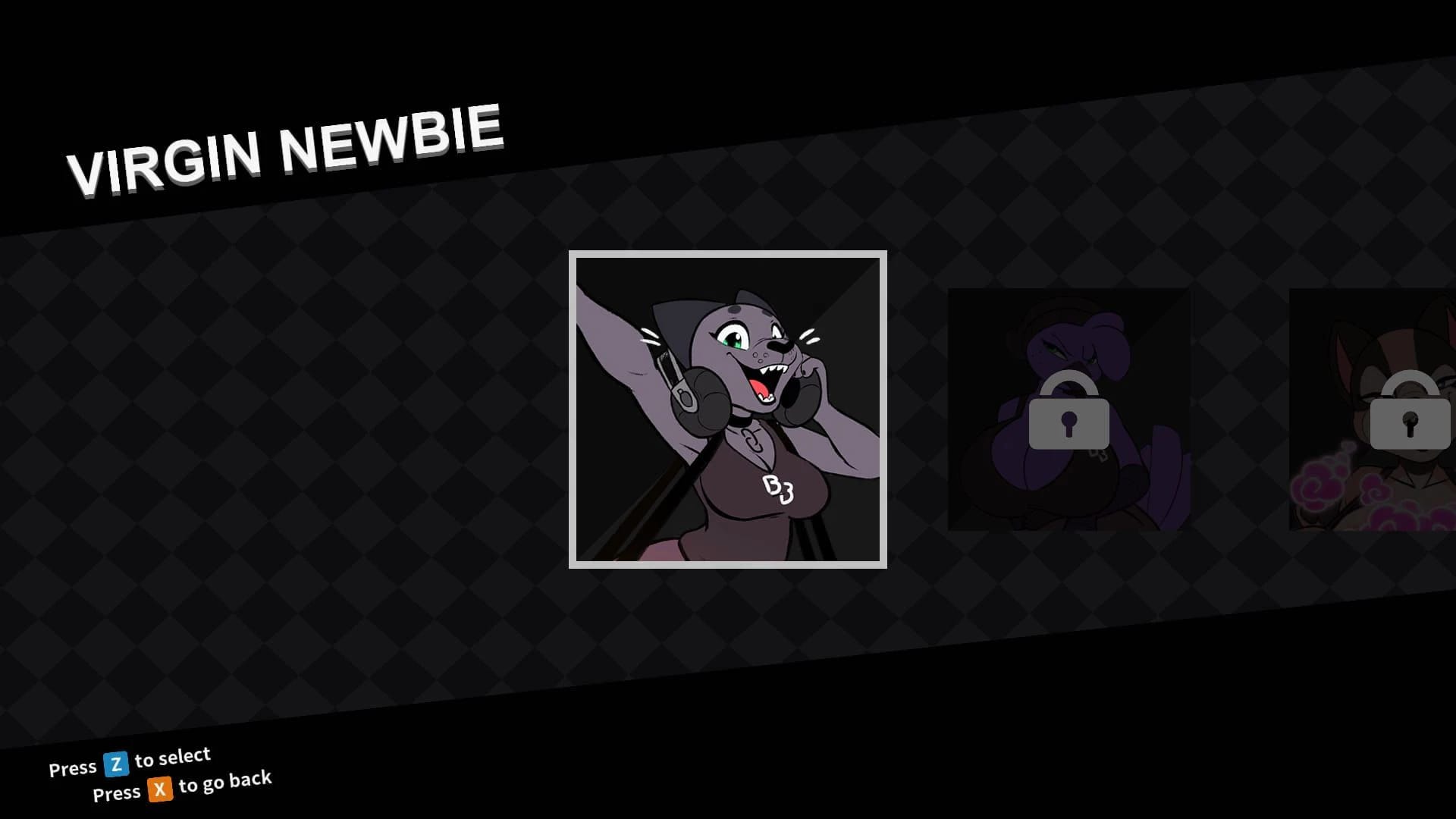
Beat Banger screenshot 1
Beat Banger screenshot 2
Beat Banger screenshot 3

Beat Banger

In 0 playlists0 videos0 commentsUpdated Oct 4, 2026
BunFan GamesGodotTurn Based Strategy
—
No votes yet

How to Download Beat Banger

This Turn Based Strategy · Godot game is available for free on LELALOL. No payment required — sign in to unlock direct download links for Windows, Mac, Linux, Android, and iOS when available.

  1. Create a free account or sign in
  2. Return to this page — download links appear below the game info
  3. Pick your platform and download the latest release

Last updated on LELALOL: Oct 4, 2026

Create free accountSign in

Beat Banger FAQ

How do I unlock the secret level in the game?

To unlock the secret level, first complete the demo version available on the page. Then start the full version of the game and press '/' to open the console. Type 'demogang' into the console. The secret level will appear in the mods folder.

Where should I place downloaded mod folders?

Unzip the mod files into the game's mods folder, which is typically located in the same directory as BeatBanger.exe. For example: BB 1.311\win64\mods\. Place the mod’s own files and folders (such as anims, sfx, songs, textures) within this directory.

What should I do if I can't find 'beat_banger_data.json' on my computer?

Ensure you have completed the demo version of the game. This step is necessary for the secret level to unlock properly and generate the required files in your mods folder.

How do I download mods if I encounter a 404 error?

If encountering a 'Could not download mod! Error Code: 404' message, verify that you are downloading from the correct source or try another link provided by other players.

What is the content of most mods available for this game?

The majority of mods available are either reskins or slight modifications to the base game. Only a small fraction (less than 10%) offer original art and content.

Why is the Mega Drive for new mods dead?

The Mega Drive for new mods became inactive due to 'gross violations' of updated policies in New Zealand. Additionally, a public Discord thread called 'New Mods' in the 'bb-modding' channel has replaced it as the primary platform for mod discussions and sharing.

How can I access bonus levels?

To access bonus levels, copy the 'cutscene' webm file from any character's level folder and paste it into another character's 'video' folder. Then type '/lvl 2', '/lvl 3', etc., to play these additional levels.

How can I download the latest build of the game?

The latest build is available through a Discord server where updates and new features are posted regularly. Consider joining their Discord for direct support and community interaction.

What should I do if I encounter issues with file formats after downloading mods?

Mod developers need to update the format of their mods to match changes in how the game reads files. Ensure you are using the latest public build for compatibility with mods.

How can I resolve Discord-related errors when playing the game?

To fix Discord-related issues, go to Discord settings -> Activity Privacy and switch all options off. This prevents others from seeing that you're playing the game.

How do I start a level without a cutscene?

Press Z to skip the cutscene and begin the levels directly.

Why is there no cum animation in the game?

The placeholder text 'no cum fx' indicates that there's no cum animation, which means developers haven't added this feature yet.

How do I use devmode to access mod features?

Press / on the main menu and type in 'devmode'. In version 2.43, the debug menu opens automatically after entering the code; in 2.44, press F2 to open it.

Where can I find older versions of levels for modding?

You can find both versions of the Cathy level on rule34.xxx or other similar sites if you're looking for specific files for modding purposes.

How do I convert mods from version 1.3 to v243/v244?

Use the command python mod_converter.py "path/to/modfolder" to convert mods from v1.3 to v243 or v244.

Why does Windows Defender flag the game as a trojan?

Windows Defender may detect false positives due to machine learning (ML) algorithms, such as detecting wacatac.b ml, which is likely a false positive in this case.

What should I do if I encounter crashes when starting the game?

Delete the Beat Banger folder inside your AppData directory to resolve startup crashes. This may be due to corrupted files from previous installations.
Beat Banger Walkthrough

Gameplay Tips

  • Explore the demo version of the game to familiarize yourself with its mechanics and features.
  • For those interested in unlocking additional content, modify the 'beat_banger_data' JSON file within your appdata folder to unlock extra levels.
  • Changing button configuration from ZXCV to WASD can significantly reduce the difficulty.
  • WASD keys are recommended for faster and more precise gameplay.

Quality Enhancements

  • Consider using mods that approach the quality of the main game, particularly those featuring detailed animations and custom character designs.
  • Request for gallery mode with customization options such as scene navigation and control settings to enhance replayability.
  • A Python script is available to convert older mods to the new format, facilitating compatibility with recent game versions.
  • Modded builds of Beat Banger are provided for both Windows and Linux to support voice banks in mods.
  • To use the mod converter, ensure you run it from a standard command prompt (not Python's) using the correct syntax: python3 path/to/converter.py path/to/mod.
  • For mods with complex file names or spaces, renaming them to simple one-word names without symbols can resolve issues.
  • Place both the converter and the mod in the same directory if encountering permission problems.

Gameplay Mechanics

  • Press F2 after activating the mod to access hands-free mode if it doesn't appear automatically.
  • Use the command 'devmode' followed by hitting F2 to enable handsfree and disable HUD.

Mod Installation Tips

  • To use the new Zoe level with Beat Banger, move the new images into the old version and rename them in order. Adjust keyframes to match the newer version.
  • Ensure you are using version 2.0.8 of the mod for optimal functionality.

Community Content

  • The community has recorded full clears for each available stage, excluding the first completed Cathy stage which had issues.
  • Discuss and contribute to shaping future game updates based on community feedback and modder insights.

Beat Banger Known Bugs

  • Timing issue with key press for in-game action: pressing the key when it's inside the circle results in failure, but pressing right before the circle works.

  • Console commands do not open when '/' is pressed.

  • Game application does not start on Windows 64-bit system after extraction.

  • Entire game appears upside down and mirrored in the latest 64bit version running on a VirtualBox Windows 10 guest.

    Version: latest 64bit

  • Game crashes at launch

  • Pressing z button on home screen causes game to close

    Version: Godot Engine v3.4.4.stable.official.419e713a2

  • Mods do not work and cutscenes/climax scenes are missing

  • Audio issues on Windows build when run via Wine

    Workaround: Include the data folder in builds to prevent confusion

  • Timing issue with key press for in-game action: pressing the key inside the circle results in failure, but pressing right before the circle works.

  • Console commands do not open when '/' is pressed

  • Game application does not start on Windows 64-bit system after extraction

  • Softlock during scene transition

    Version: 2.44

  • Entire game appears upside down and mirrored in the latest 64bit version running on a VirtualBox Windows 10 guest

Beat Banger Cheats

Cheats and codes for this game are available to signed-in members.