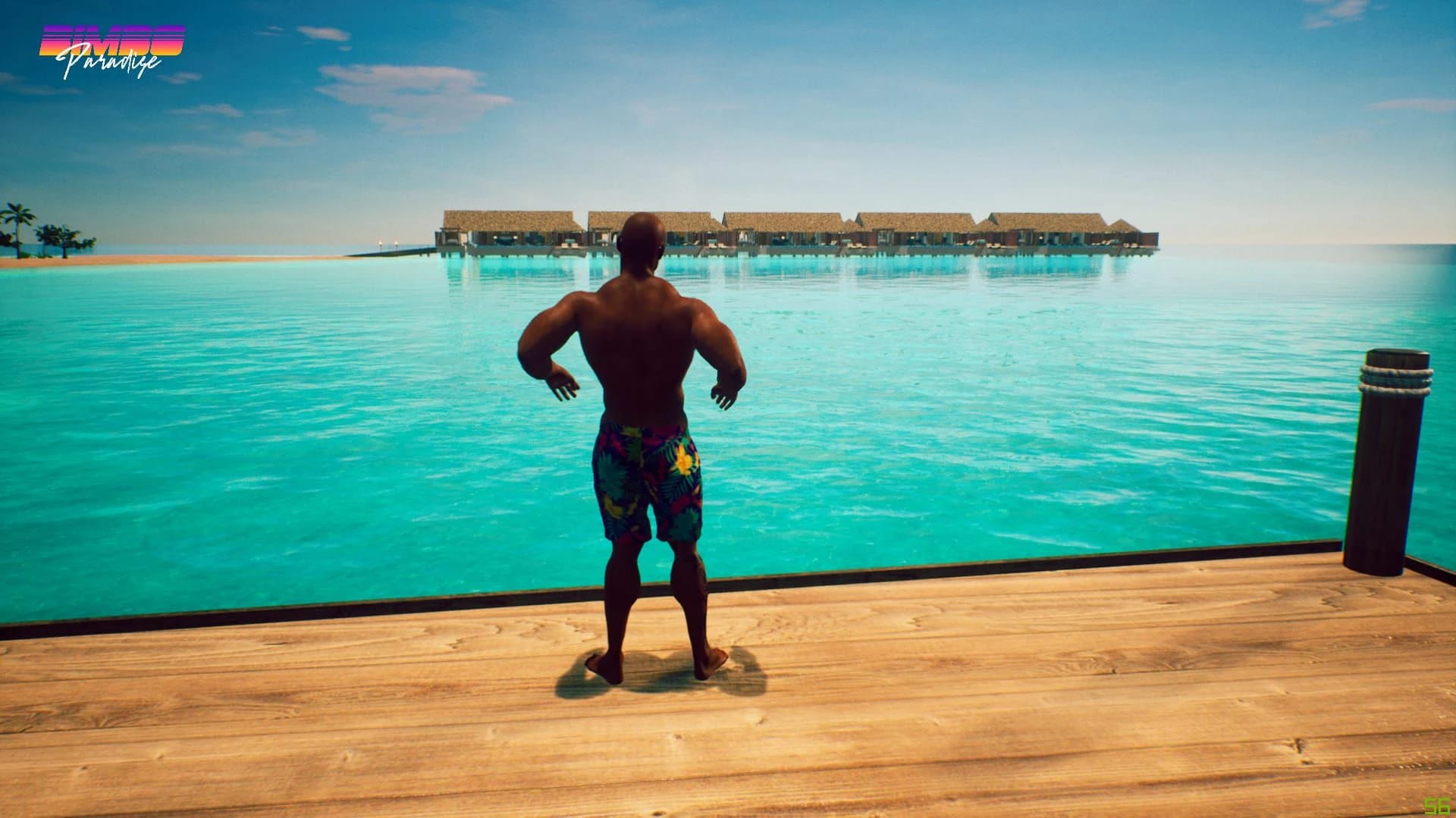
Why do I experience low frame rates when playing the game?
The game may not be well-optimized, leading to performance issues such as frame rate drops. Ensure your graphics card drivers are up-to-date and consider adjusting settings like resolution or using command line arguments such as -force-d3d11, -screen-width, and -screen-height.
What should I do if my game crashes with a black screen?
Switching to an NVIDIA graphics card might resolve the issue. If you are using AMD, try changing the scaling mode in Radeon settings from 'preserve aspect ratio' to 'full panel'. For NVIDIA users, adjust the aspect ratio setting in the Nvidia Control Panel to 'No scaling'. Additionally, ensure your GPU drivers and DirectX version meet the game's requirements.
How can I resolve issues with DirectX 10 when running a game that requires DirectX 11?
Ensure you have updated your DirectX installation to at least version 11. You may also need to update your graphics card drivers and check if the game runs properly after these updates.
What steps should I take if my PC's OS does not support running Unreal Engine games?
Check your system requirements for compatibility with the game’s engine. Ensure that all necessary components, including DirectX and graphics card drivers, are up-to-date to meet the minimum system specifications.