How can I check the prompts used for generated pictures?
You can find the prompts by looking into the game files and checking the unused images.
This JRPG · Others game is available for free on LELALOL. No payment required — sign in to unlock direct download links for Windows, Mac, Linux, Android, and iOS when available.
Last updated on LELALOL: Sep 14, 2026
You can find the prompts by looking into the game files and checking the unused images.
Previously, npm (from batch file) required Node.js. However, recent updates include node.js in the game folder, making it playable without needing to install additional software like npm.
The search function lacks clear feedback, so you cannot tell if it has failed or if an enemy is preventing a successful search. Suggestions include adding visibility indicators such as bars, mouse-over displays, text changes, and descriptions.
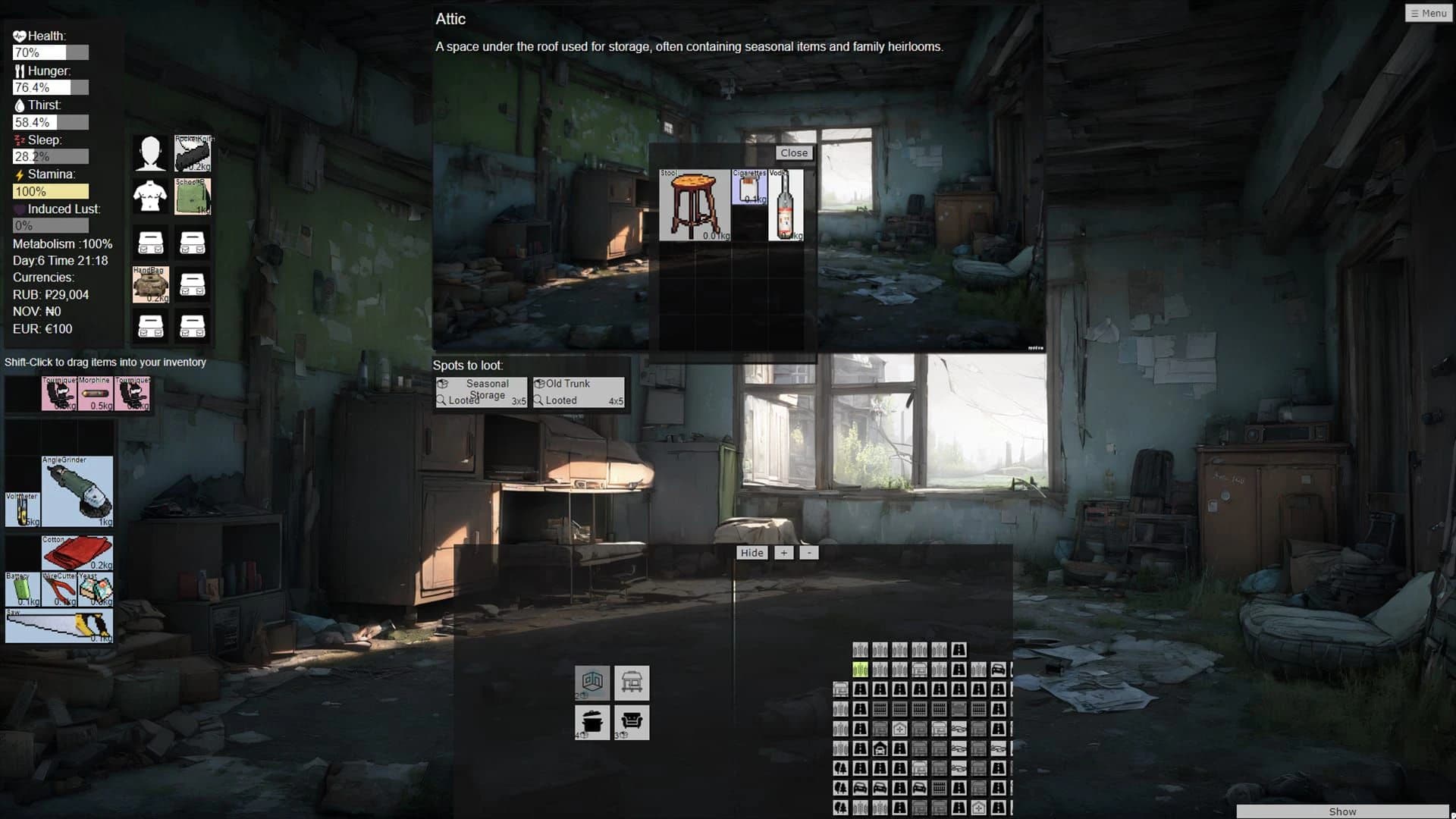
Equipping a larger backpack (e.g., 3x3) over a smaller one (2x2) deletes everything in the current bag and turns it into another large backpack, causing bugs. This is intended but will be rewritten for better functionality.
Characters are not just dummies with a few words; however, specific details like 'impregnation' are not confirmed and may depend on future updates or features.
Use 7zip or WinRAR to fix download issues. You can find these tools at win-rar.com, sourceforge.net/projects/sevenzip/files/7-Zip/, or by searching online.
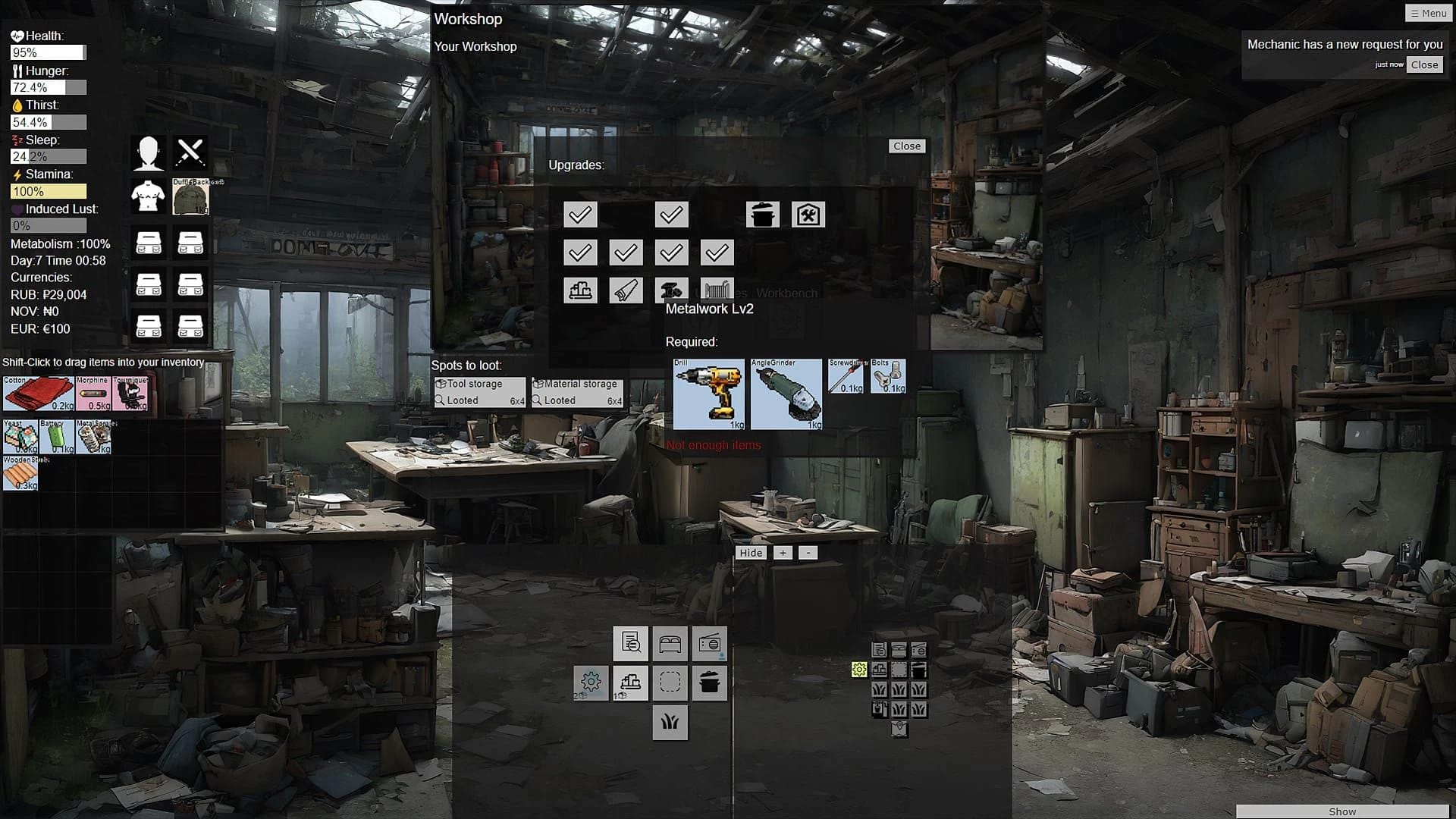
UI tweaks will continue but not as majorly as the recent visual overhaul. Future updates include item descriptions and reworked weapons and medicine.
Ensure all items like staplers, A4 papers, and pens are correctly placed in the grid. If the issue persists, check if there's a specific placement requirement or try updating to version 0.7.1a or 0.7a.
Install native Node.js and use the command `$ electron resources/app/main.js` to run the game. Additionally, set up a file dialog using `xdg-desktop-portal-gtk` for saving/loading games.
Create the necessary folders manually under SinE3Rv0.7.1\saves\save1 to ensure your game saves properly.
This issue occurs when there are no more options available in the chat/conversation window, causing the game to become unresponsive. Ensure you have the latest version of the game and check if there's an update addressing this problem.
If your downloaded file appears corrupt or incomplete, try downloading another copy from a reliable source.
Workaround: Remove some of the bags you are holding
Version: .7
Version: V0.8 & V0.8.1
Cheats and codes for this game are available to signed-in members.