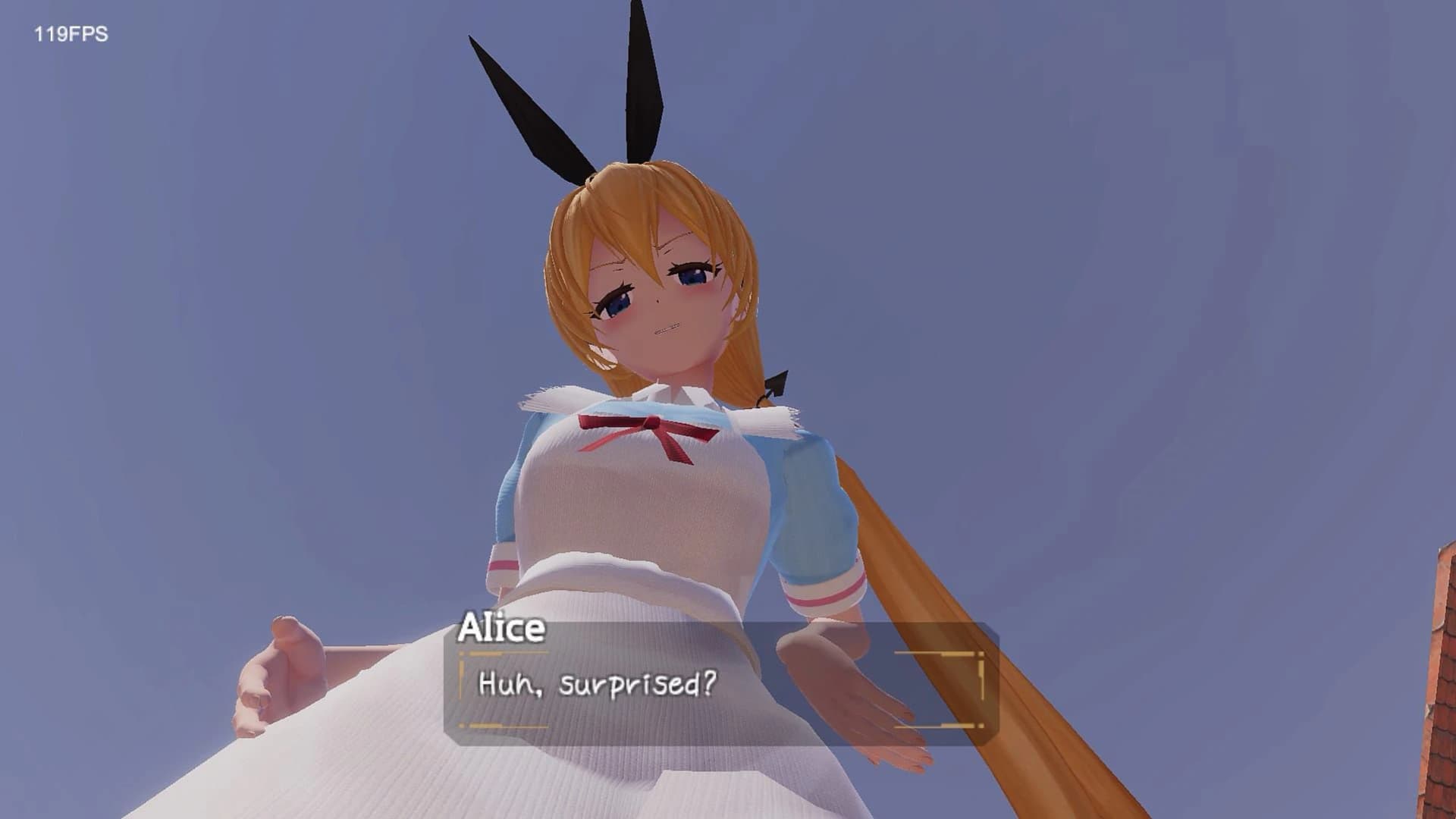
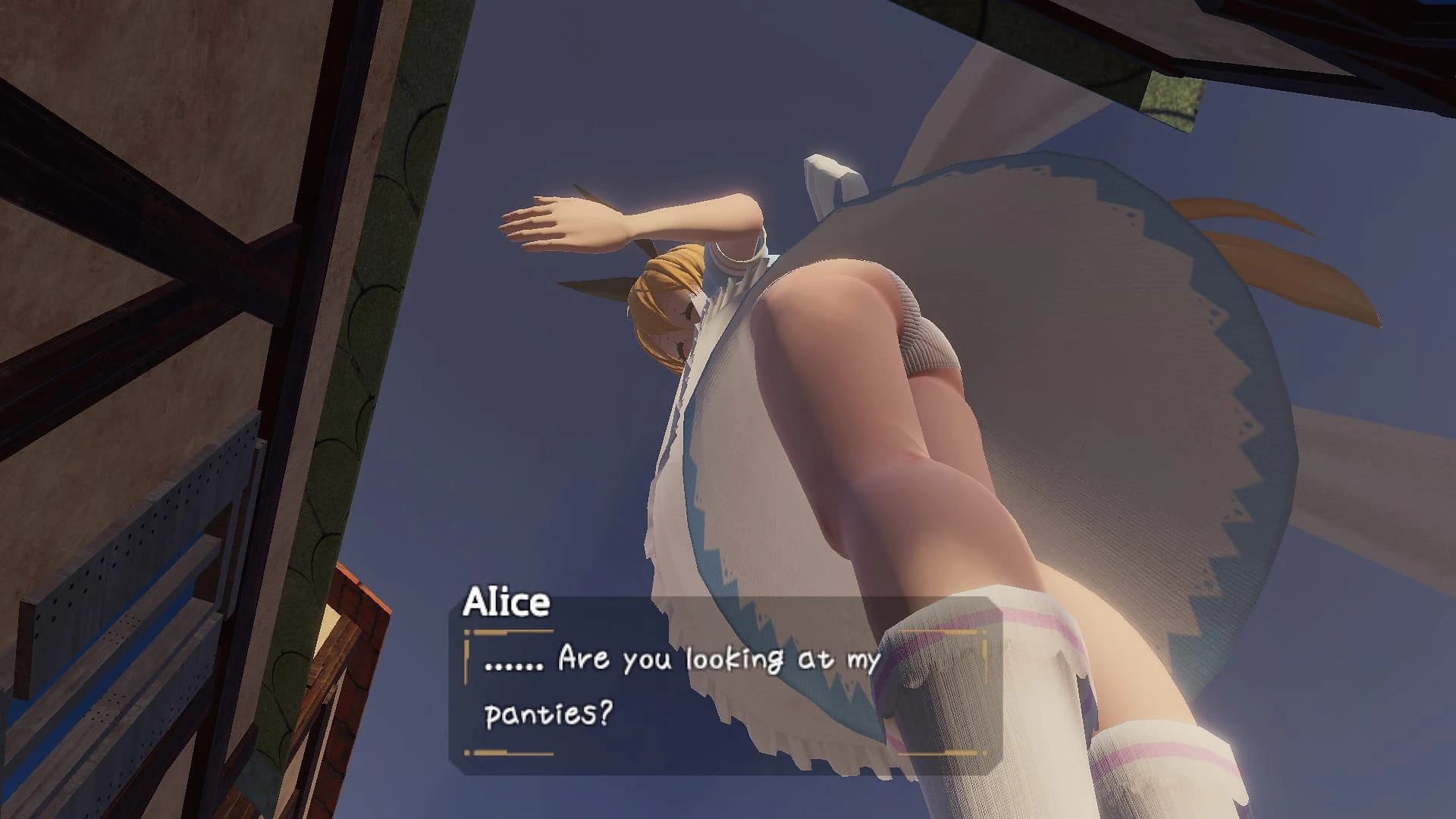
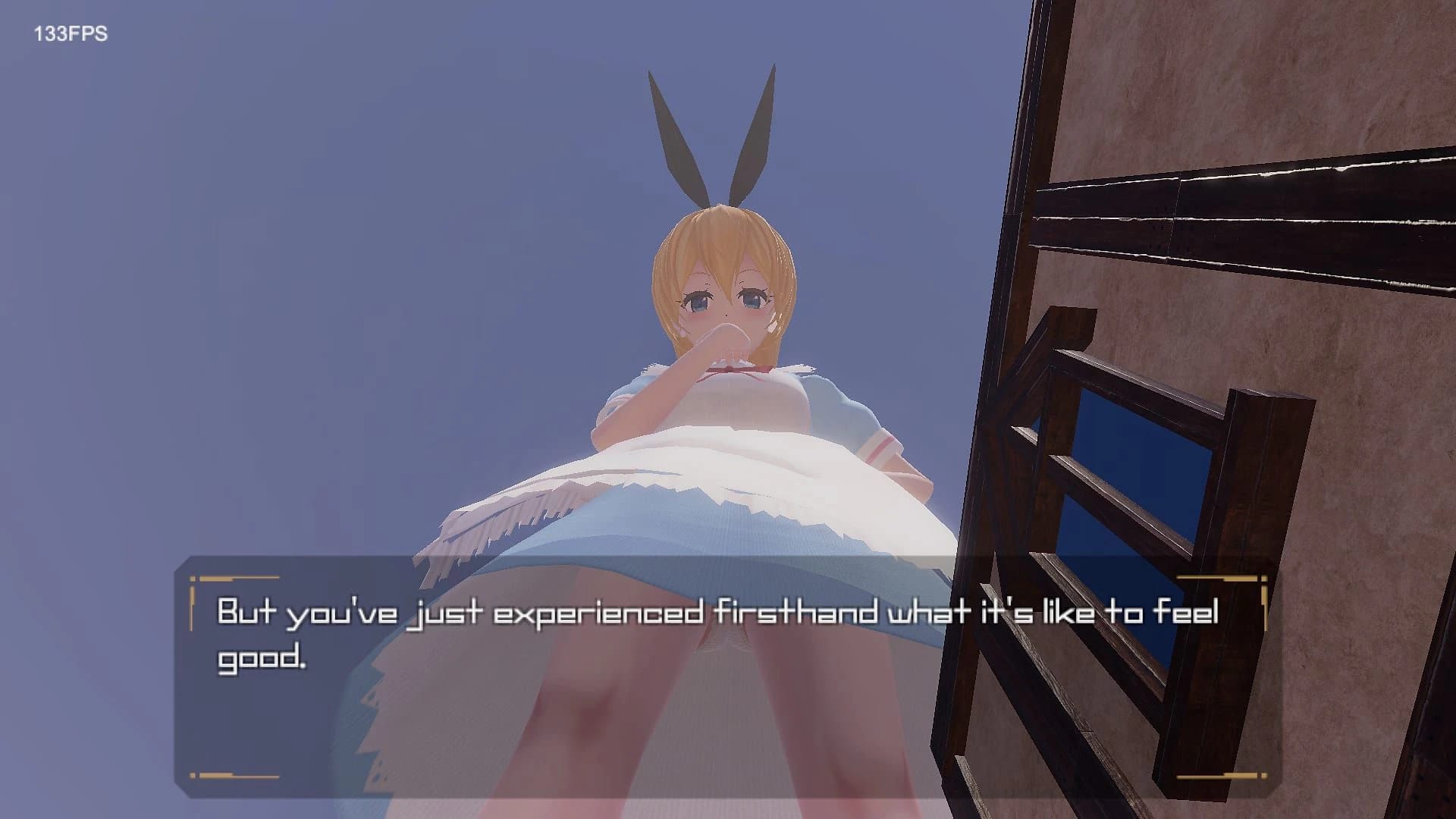
What can you do in this version of the game?
- Play Hide and Seek with her, where she chases you for one minute after giving a bit of time to hide.
- Watch her use the lighthouse as a dildo if she's close enough to it. You can enter the lighthouse but there are no interactions inside.
- At night, she sleeps in random spots around town and you can climb her without any events occurring.
- Stare at NPCs for one-liners depending on the time of day.
What new features or changes are present in version 0.20a?
- Gulliver appears with limited interactivity: she shows off her breasts, breaks a house and lighthouse, performs paizuri at the lighthouse (destroying it), and allows some interaction with her breasts.
- The scene is scripted and lasts only about 8 minutes.
- Detailed room for Gulliver but no freedom to explore.
- Uncensored mod likely won't work yet.
How do I install the MelonLoader mod?
- Install MelonLoader using the latest installer from their GitHub page.
- Start MelonLoader.Installer.exe and select GlitterInvitation.exe as the game executable.
- Copy the .dll file from Kalybr50 into the new 'Mods' folder created by MelonLoader.
Is it safe to use the mod after disconnecting internet?
The net socket error you encounter is due to MelonLoader checking for remote API connections and assembly file updates. This does not indicate a security issue with the mod itself.
How do I activate the Gulliver event?
To start the Gulliver event, go to the lighthouse and enter through a special doorway. Afterward, talk to Alice, who will mention that you went to see Gulliver, initiating the event.
What should I do if my game crashes when looking at Gulliver?
Ensure you have the latest update installed and try playing during the day. If issues persist, it may be related to recent updates causing compatibility problems with previous versions.
How can I remove censorship for Gulliver in the game?
To decensor Gulliver, change the values from 15 to 1 in unnamed asset path ID 1372. Alternatively, modify shape keys in Blender: set mosaicOff to 1 and other relevant keys to 0.
Why is it difficult to create a nude mod for Gulliver?
Gulliver's clothes act as her body model when worn, making it challenging to remove them without causing visual issues. Unlike Alice, whose dress allows easy nudity modification, Gulliver requires specific adjustments to her mesh and shape keys.
How do I update the client for the new version of Glitter Invitation?
Download and install NET 6 if you encounter issues starting the client. For an updated client, contact the developer or check their latest release.
Where should I place the downloaded files when installing the game mod?
Copy the contents of the archive to the game folder.
What steps are needed to import a text file into resources.assets using UABE?
Download and open their text file, use UABE to go to the file with ID 1372. Left click it, then click 'import dump', choose the text file, apply changes, and save as resources.assets.
How do I enable ALPHA Pre-Releases in the game settings?
On the Settings tab, turn on the 'Show ALPHA Pre-Releases' checkbox.
How can I update Glitter Invitation to version 0.32?
The 0.32 update is available on Kemono. Simply download and install it.
What interactions are possible with Alice in the game?
You can walk around parts of her body while she sits on a beach, enter the lighthouse at night to trigger an event, compete with Guliver after finishing her first time event, crawl into Guliver's boot when she is sleeping, and go into the bottle in her room.
How do I install the uncensor patch for version 0.32?
Update the uncensor patch to 0.32 by replacing Unnamed Asset Path 1372 with Unnamed Asset Path 3002 in your GlitterInvitation_Data folder next to resources.assets.
How do I install the game client?
Copy the contents of the archive to the game folder. If you encounter issues, installing .NET Framework 6 might help.
What is the process for extracting GlitterInvitation files?
Extract GlitterInvitation.7z.001 first, which will create a Glitter Invitation folder. Then drag and drop GlitterInvitation.7z.002 and other parts into this folder.
How do I make AoI barefoot?
Find the path ID for AoI's loafers, delete it, and replace your resources.assets file with an updated version to see AoI barefoot.
Where is the save file located in GlitterInvitation?
The save file is located at C:\Users\Username\AppData\LocalLow\SnowDrop\GlitterInvitation