How can I force rendering in a virtual machine for Go! Go! Womb-chan?
To force rendering in a virtual machine, launch the game on a terminal with the command .\Go! Go! Womb-chan!.exe --rendering-driver opengl3.


This Text Adventure · Godot game is available for free on LELALOL. No payment required — sign in to unlock direct download links for Windows, Mac, Linux, Android, and iOS when available.
Last updated on LELALOL: Oct 17, 2026
To force rendering in a virtual machine, launch the game on a terminal with the command .\Go! Go! Womb-chan!.exe --rendering-driver opengl3.
Windows Defender flags programs from unknown publishers to ensure users do not run potentially unsafe software. It is generally considered safe for known legitimate games but requires caution with unfamiliar titles.
The game description and Patreon page indicate that it is not listed as a hidden game; however, it may not be visible on the itch.io link or PolygonHearts' public development list.
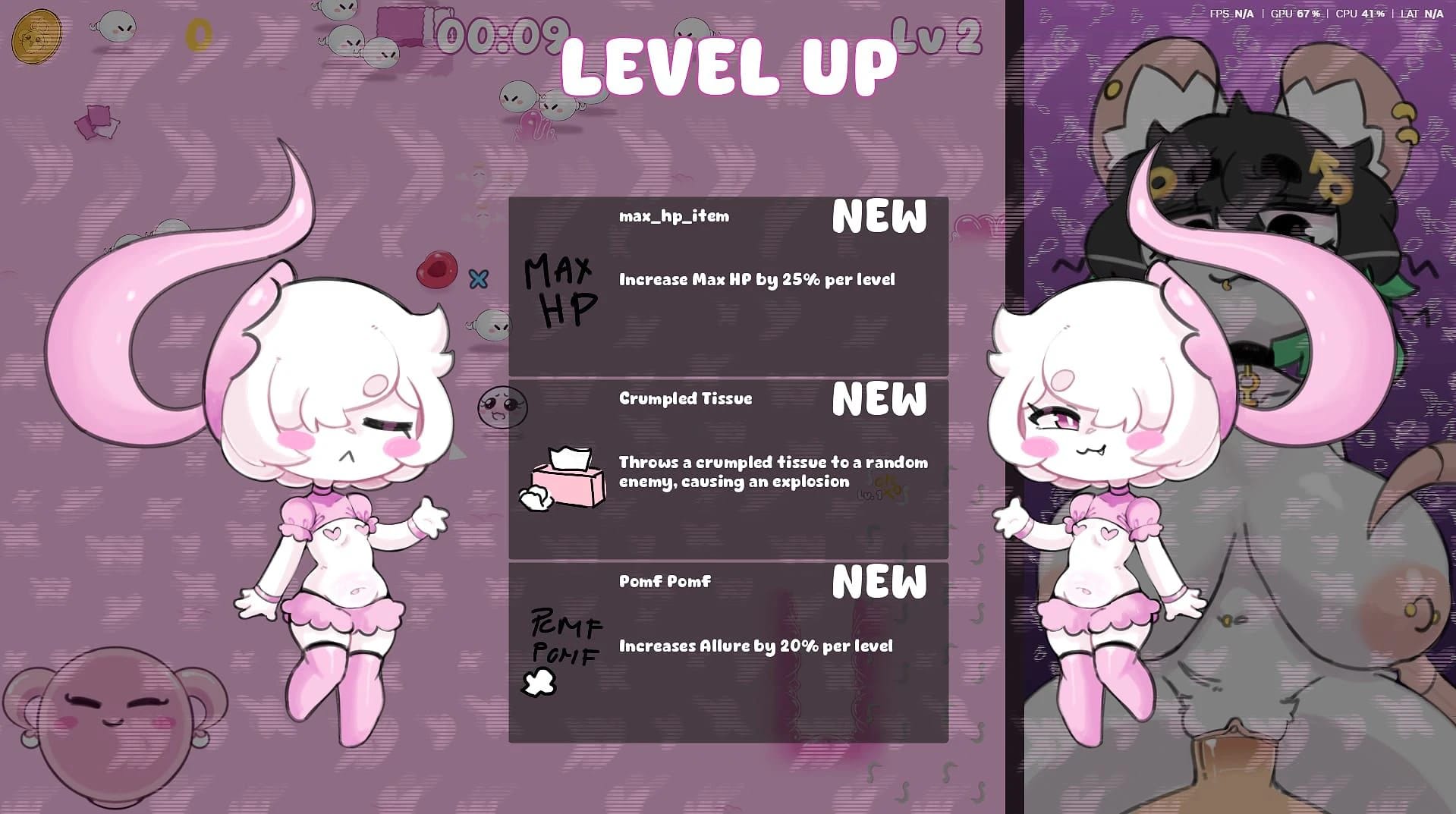
Go! Go! Womb-Chan! is an NSFW survival roguelike where players control an egg within a womb, battling sperm during the night. It features various characters with unique weapons and abilities, as well as numerous items to discover in each playthrough.
Gaining too many Area Increase power-ups can cause your basic attack to become ineffective at close range against enemies.
The Allure stat increases your pickup range for items, allowing you to collect them from farther away.
To lock the game to 60 FPS, create a file called 'override.cfg' next to the game executable with the following content: [application] run/max_fps=60. This will cap the frame rate and reduce CPU usage.
The game ends at 21 minutes, which is indicated by a final wave of enemies before concluding.
The game is built using Godot v4.6.2.
Yes, you can right-click to aim at the mouse instead of aiming in the direction you are moving.
In v0.3, there are bugs where bosses can turn invisible and chests cannot be opened due to a limitation on the number of sprites that can be loaded at once. This also stops experience points from being placed on the ground until you backtrack and pick up old XP drops.
Once you reach the maximum number of XP drops allowed on the map, new kills will not drop any more XP. Picking up all existing XP drops can reset this limit and allow new XP to be dropped again.
Yes, there is only a set amount of elite and love shrines on the map that do not respawn once they are used up.
Version: 20740005
Version: 20863690
Workaround: Restarting the game or reverting to an earlier version may help.
Version: 0.0.2
Workaround: Add the game executable to Windows Defender's exclusion list.
Cheats and codes for this game are available to signed-in members.