What are some common reasons for a fatal error when playing this game?
The most common reason for a fatal error is software dependencies not being satisfied. This can also be due to hardware requirements, as the game uses DirectX 12 (DX12). To check if your system supports DX12, press Windows key + R, type 'dxdiag', and run Direct X Diagnostics tool. If you don't have DX12, it might be the cause of the issue. Otherwise, try updating your software: Direct X package, Microsoft Visual C++, and graphics driver.
How can I ensure my character is saved for use in-game?
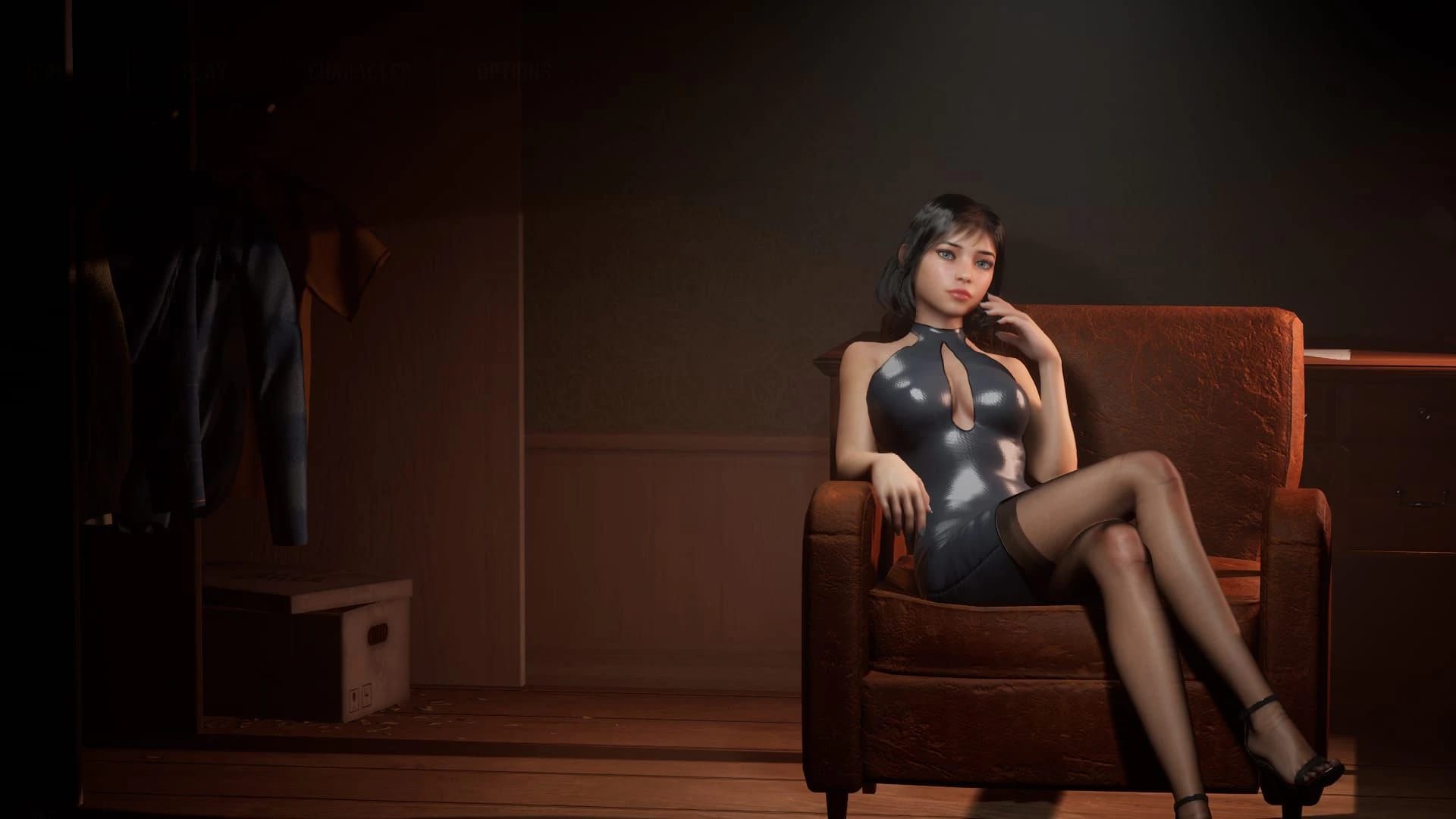
To save your character for use in-game, you need to save it from the character creator. The character displayed in the main menu will be used during gameplay.
Will future releases allow customization of the male character?
Future updates may include additional customization options for the male character.
How do I install and run the Linux version of this game?
1. Unpack the provided file somewhere.
2. Download the latest Proton-GE release from its repository.
3. Extract Proton-GE into a ./proton directory, omitting the root folder (e.g., GE-Proton7-33).
4. Download and unpack the game to a ./game directory, skipping the root folder (e.g., HomeTogether_v0.1.1).
5. Run the run.sh script.
Where is the Start Icon located in the game?
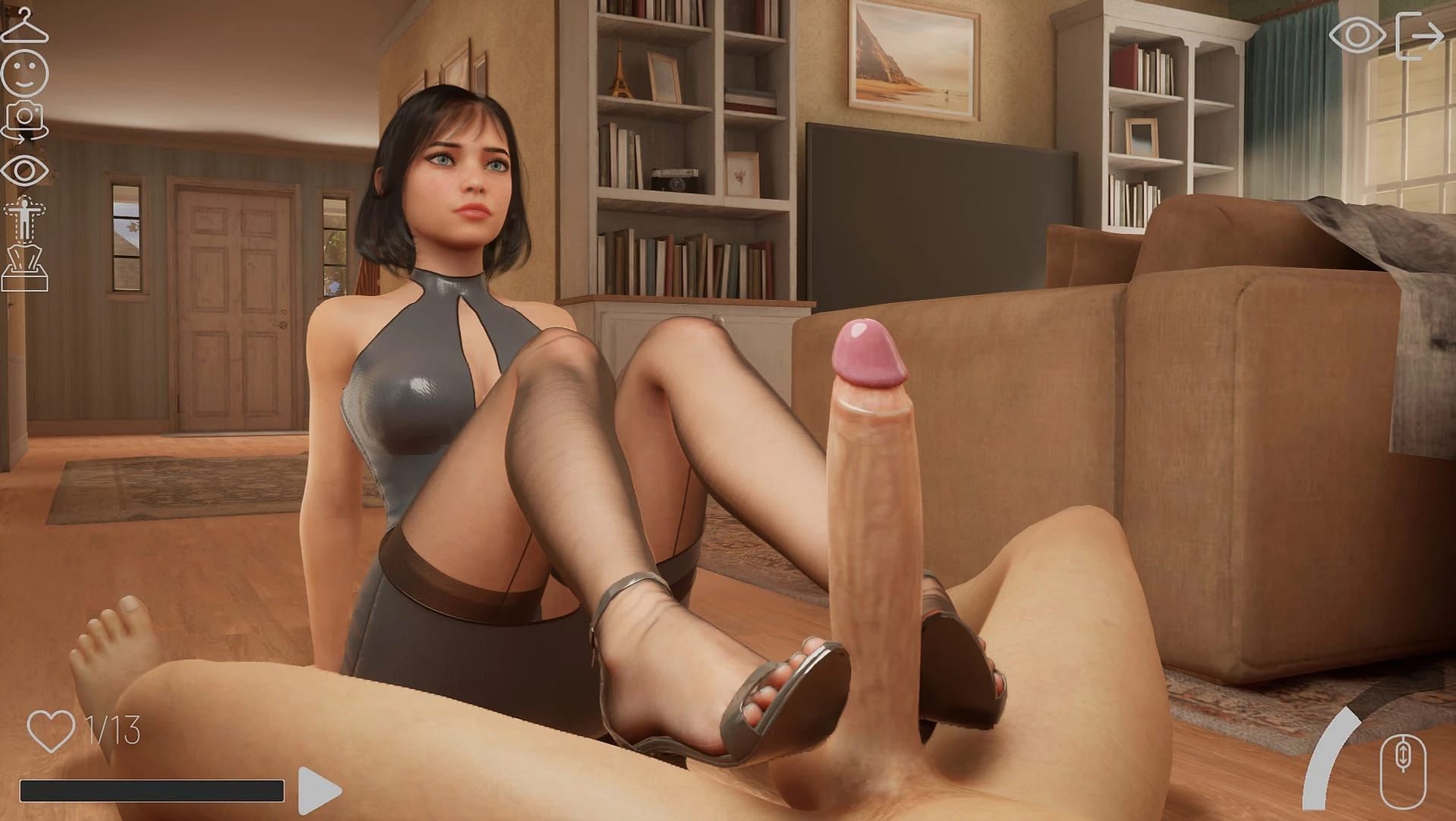
The Start Icon can be found in the lower left corner of the screen.
How do I interact with holograms and animations in the demo build?
Click E on any hologram you find to activate it. Then, use the Play Icon located in the lower left corner. Ensure that the speed animation control in the lower right is not fully grey.
What does the link starting the game in DX11 mode do?
The link provides a shortcut to start the game in DirectX 11 (DX11) mode.
Does the game support CyberFSR and DLSS, and how effective are they?
CyberFSR is working well, but DLSS may not be as effective. As an alternative, Unreal's native upscaling with anti-aliasing on ultra can provide similar visual quality.
What is the file path to run the game directly from your directory?
Run the game from \HomeTogether_v0.1.0\HomeTogether\Binaries\Win64\HomeTogether-Win64-Shipping.exe
Is the game compatible with AI/HS/HS2/PH/Monolith Bay character cards?
Yes, it seems compatible as one user mentioned putting a character card into the character folder and seeing compatibility with AI/HS/HS2/PH/Monolith Bay.
Where can I find sources for creating new characters for this game?
There is no specific source provided, but users have suggested looking at community creations or using rendering software like DAZ to create and pose assets for the game.
What are some planned features for future releases (v0.3.0)?
Planned features include letting your character stand and turn, colorizing clothing, adding a night scene, improved female POV sex scenes, better breast physics when wearing a bra, and more.
What are some issues with the game's graphics or animations?
There are reported issues such as bugged toes in many positions, clothes not properly removing from characters, and missing pubic hair settings for customization.
How can I translate 'Save' and 'Play' into Spanish correctly?
'Save' translates to 'Guardar', and 'Play' translates to 'Jugar'.