How do you switch selected character?
Left-click the character you want to switch to in the UI. The game should automatically update settings to match the new character.
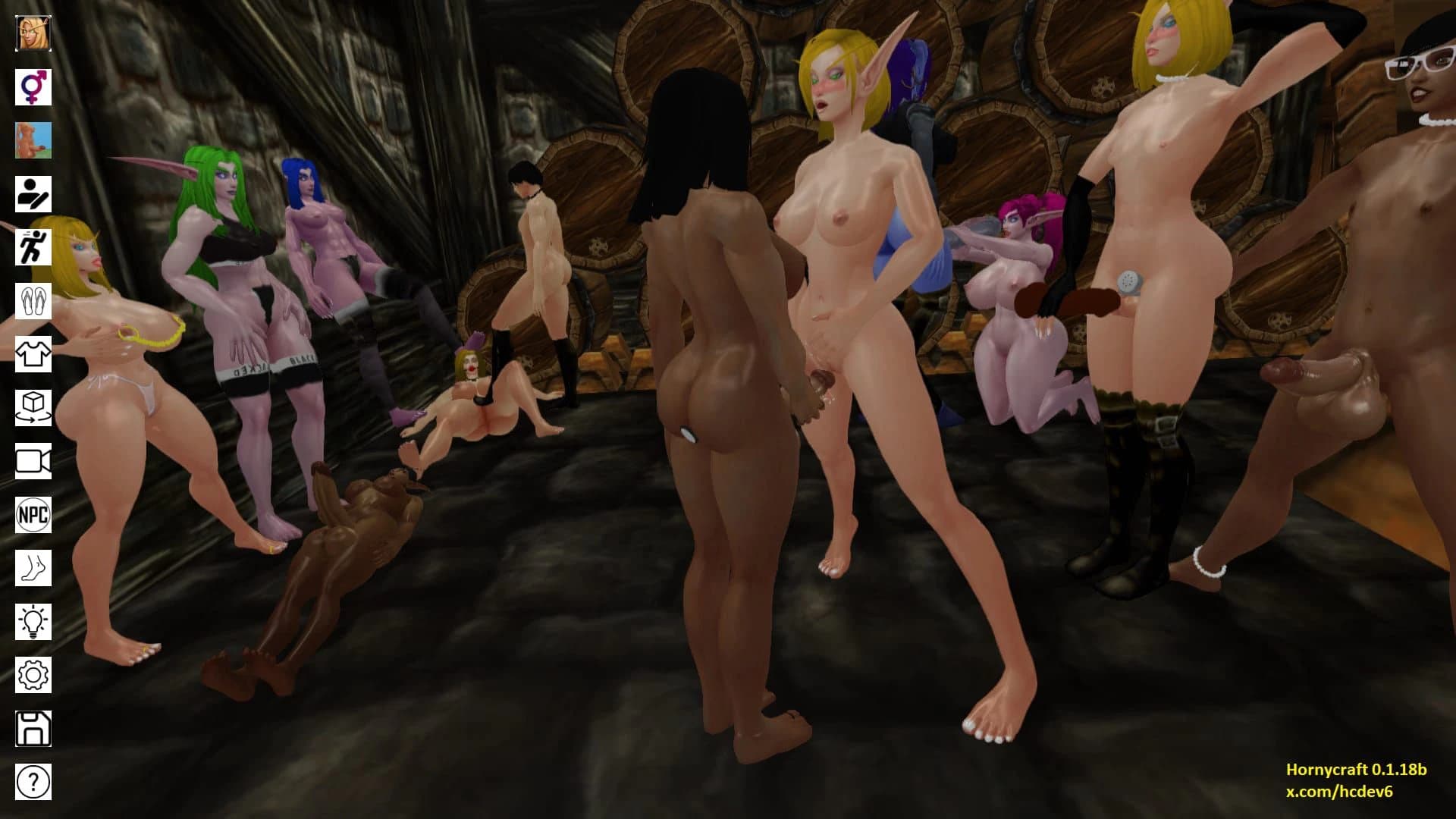
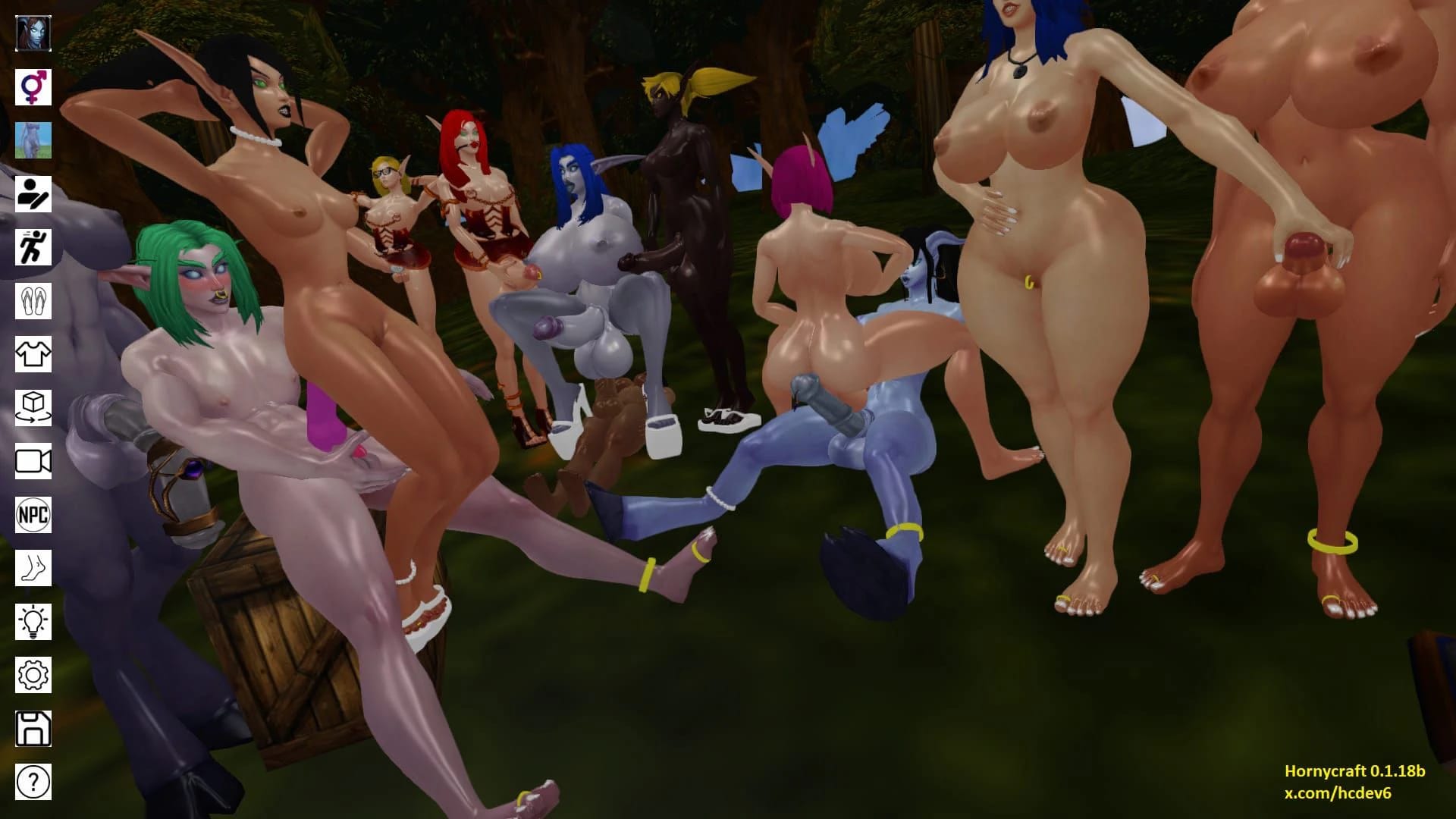
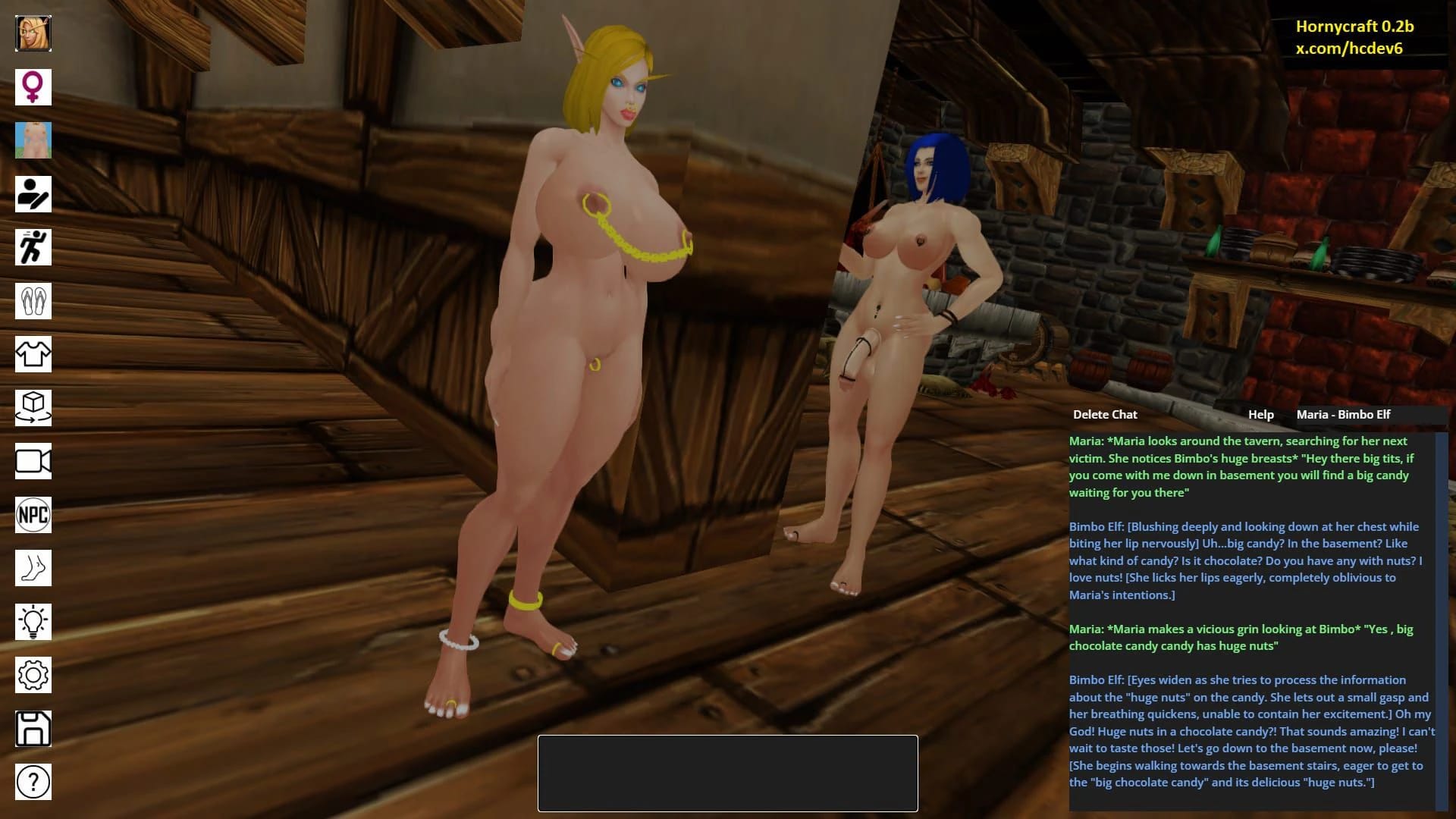
This Simulation · WebGL game is available for free on LELALOL. No payment required — sign in to unlock direct download links for Windows, Mac, Linux, Android, and iOS when available.
Last updated on LELALOL: Oct 13, 2026
Left-click the character you want to switch to in the UI. The game should automatically update settings to match the new character.
In the bottom left corner of the screen, click the 'Add NPC' button to create a new one or select an existing NPC and click it for updates. Then use the model selection button in the upper left corner to choose the desired character model.
Movement: W,A,S,D Jump: Space Toggle run/walk: Shift Zoom in/out: Mouse scroll wheel Look around: Hold left mouse button and drag Free camera controls (for AI server): Movement - W,A,S,D,R,F; Rotate camera - Q,E
Extract the downloaded .rar file and double-click 'launch-hc.exe' to start the game.
No, version 0.2.1 does not have a story mode. You can add NPCs, customize characters, and set up animations among other features. Version 0.3 will include linear gameplay progression with predefined scenes, AI profiles, and custom quest events.
The default game address for communication is ' make sure your server is running on that address. Refer to hc_game_folder/_TUTORIAL FOR AI SERVER/Read me.txt for detailed setup instructions. The AI Server installation process is a simple task taking only a few minutes.
Cheats and codes for this game are available to signed-in members.