What internet connectivity requirements does the game have?
The game connects to the internet upon launching.
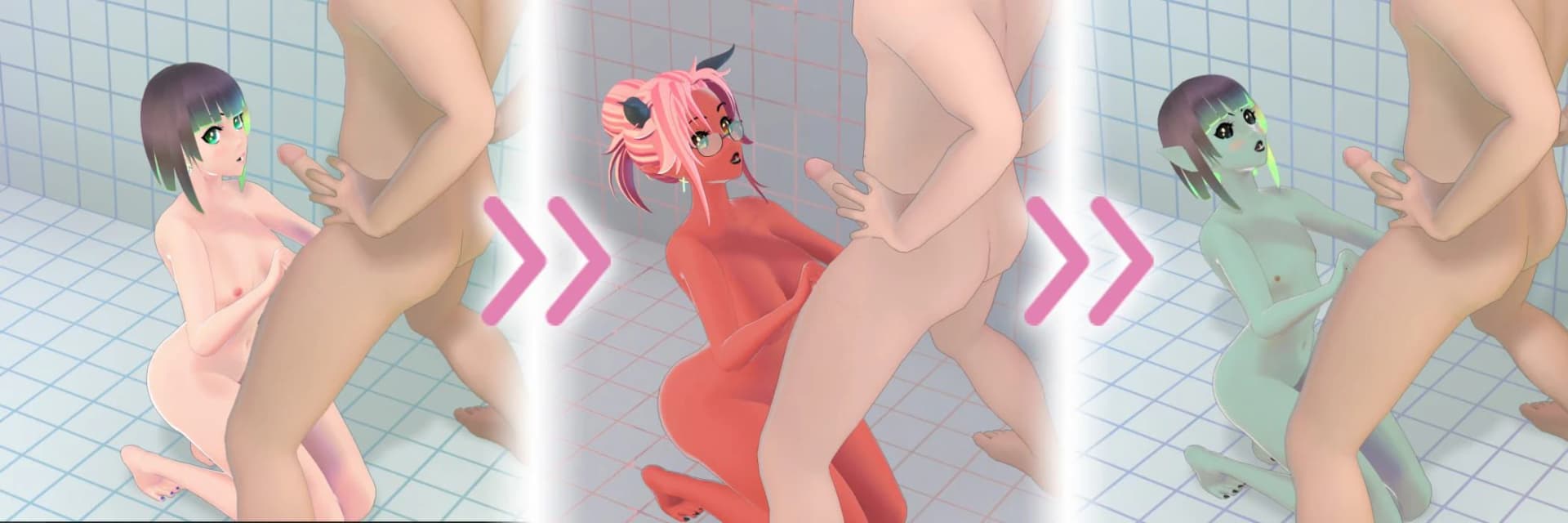
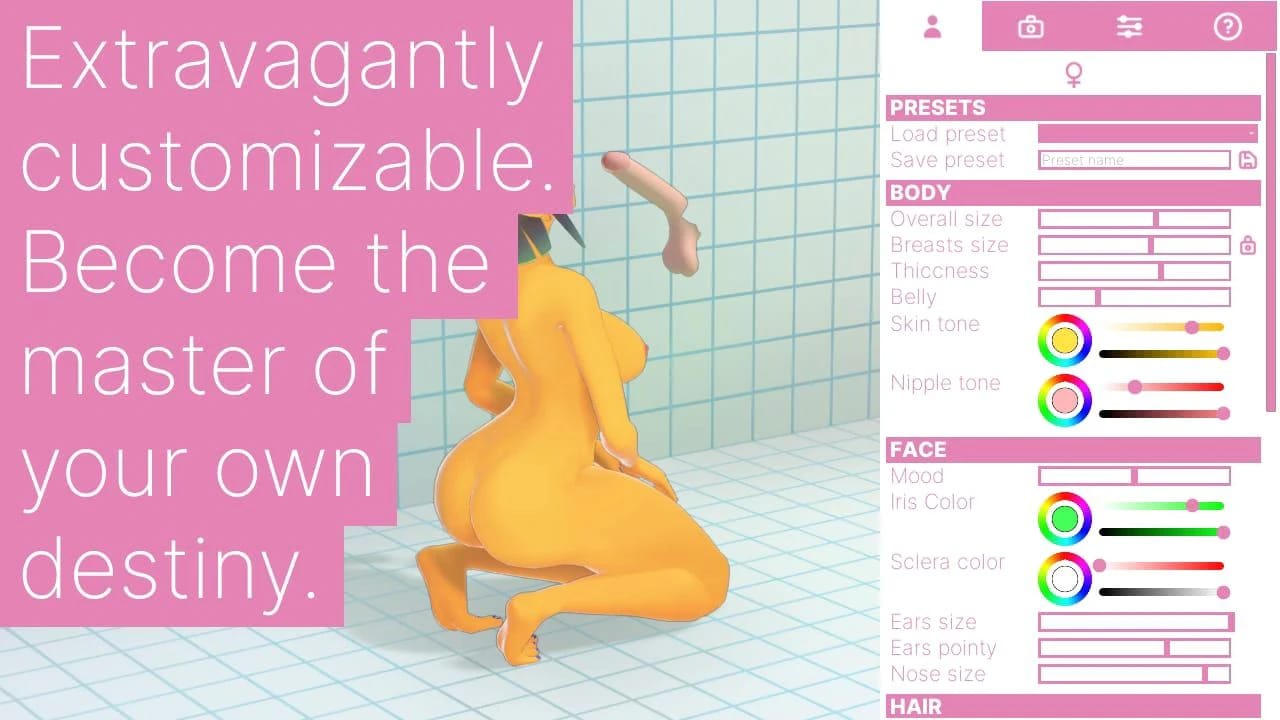
This Simulation · Unreal Engine game is available for free on LELALOL. No payment required — sign in to unlock direct download links for Windows, Mac, Linux, Android, and iOS when available.
Last updated on LELALOL: Sep 17, 2026
The game connects to the internet upon launching.
Download the missing VCRUNTIME140_1.dll file and place it in the same directory as HDT.exe. Alternatively, install the appropriate Visual C++ Redistributable package.
Version 0.2.3 includes significant graphical improvements and customization options, along with a reworked feature (likely referring to 'cum' effects).
There is no specific solution provided for this issue.
Addons are primarily intended for hair, simple clothing, and accessories. Importing an entire character may not be possible directly; however, you can export parts of a model from Blender to use in the game.
Ensure that Paths are set to 'relative' when exporting the FBX file in Blender. Setting it to 'auto' can save absolute paths, which may cause issues for other users.
You need to have Visual C++ 2019 Redistributable installed on your system.
Extract the game files to a separate folder and launch the game from there. If it doesn't start, run the redist file located in Engine\Extra\redist\en-us\.
The game can be played offline without requiring an internet DRM connection.
Yes.
Version 0.4.9 includes fixes for physics glitches caused by low framerates, improved hand physics reactions to body size changes, and a non-Euclidean pink void environment option to speed up gameplay on less powerful hardware.
Version 0.4.9 includes four new clothing items (dress shirt, waistcoat, pencil skirt, cravat) and contextual morphs to handle interactions between different clothing items.
Control mode allows players to remove categories of clothing from HD-chan during gameplay without entering the designer menu, and it will be expanded with more functionality for smoother gameplay in future updates.
Session memory saves the last session's character outfit and sidebar settings so that they are reloaded on start-up, and players can reset these settings from the help tab if needed.
The menus have been updated to be cooler and more user-friendly, making better use of available space.
Among different pubic hair styles, the landing strip is the only one that functions properly.
Version 0.6.1 includes additional arm targets, customizable hair color settings, reimplementation of addon map and decal importing, tessellation toggle, improved sweat lighting, HD-chan mesh tweaks, new shader physics effects, improvements to the cum particle system, a throat resistance/depth meter, and various bug fixes.
You can find all the latest changelogs and some guides on the official site.
In version 0.6.5, the following items were added: High-waist thong, Cuffed sweatpants, Fishnet top, and Thick-soled sneakers.
Version 0.6.5 increased the range of saliva quantity parameter and made it affect saliva thickness.
In version 0.6.5, morph targets were added to socks to enhance visual compatibility with different types of shoes.
Version 0.6.5 includes auto-scrolling Patron display in the credits menu and copy/paste buttons for color picker parameters.
In version 0.6.6, a significant overhaul of penis customization options was introduced along with improvements to the skeletal physics system.
Workaround: Run game in windowed mode
Cheats and codes for this game are available to signed-in members.