Can the game run in fully offline mode?
Yes, but the quality of dialog and image switching can drop noticeably on lower VRAM models. The 16GB VRAM Cydonia-24B works well, but a 12GB VRAM model like Mag-Mell-R1 is also usable with some performance trade-offs.
How do I create custom characters?
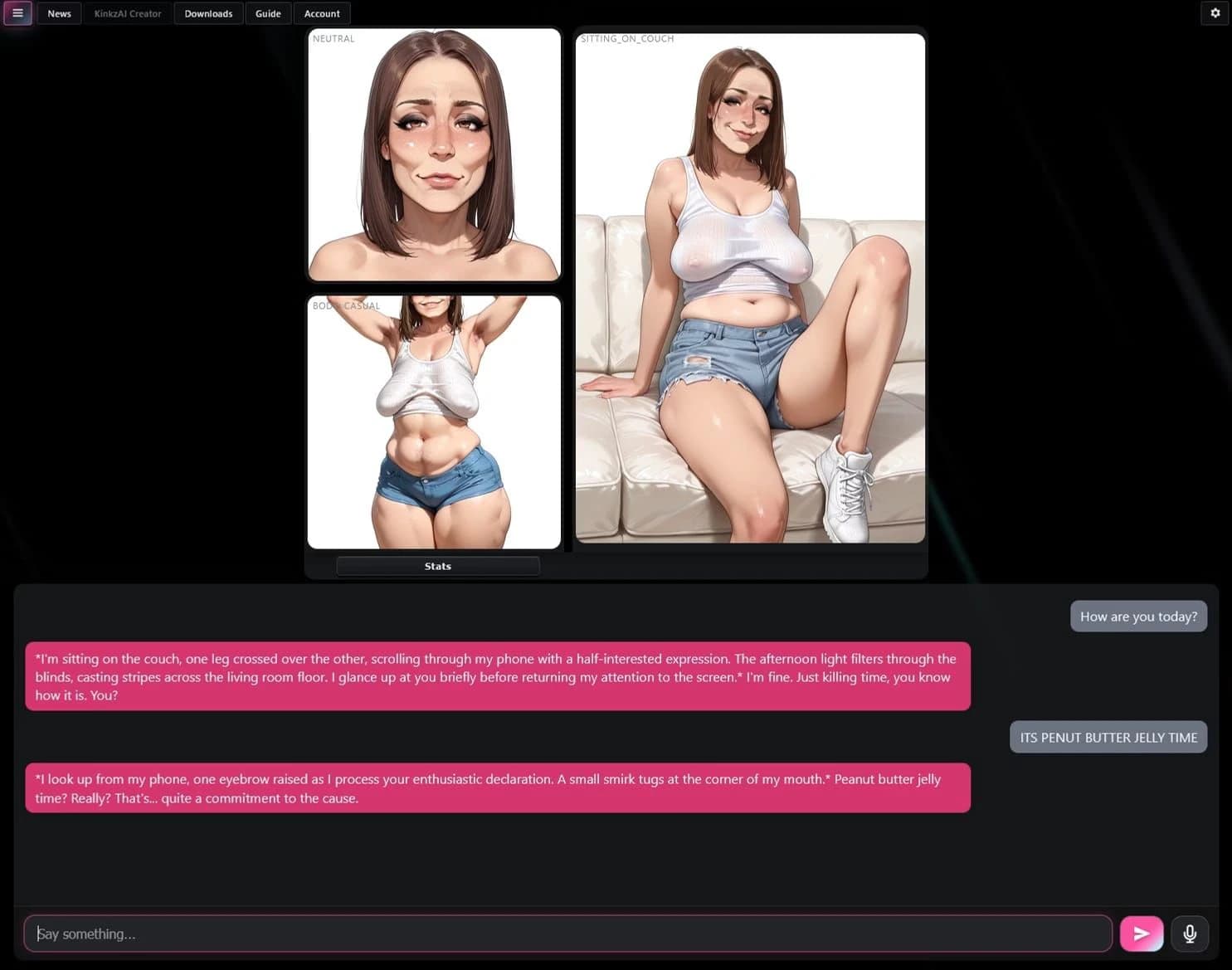
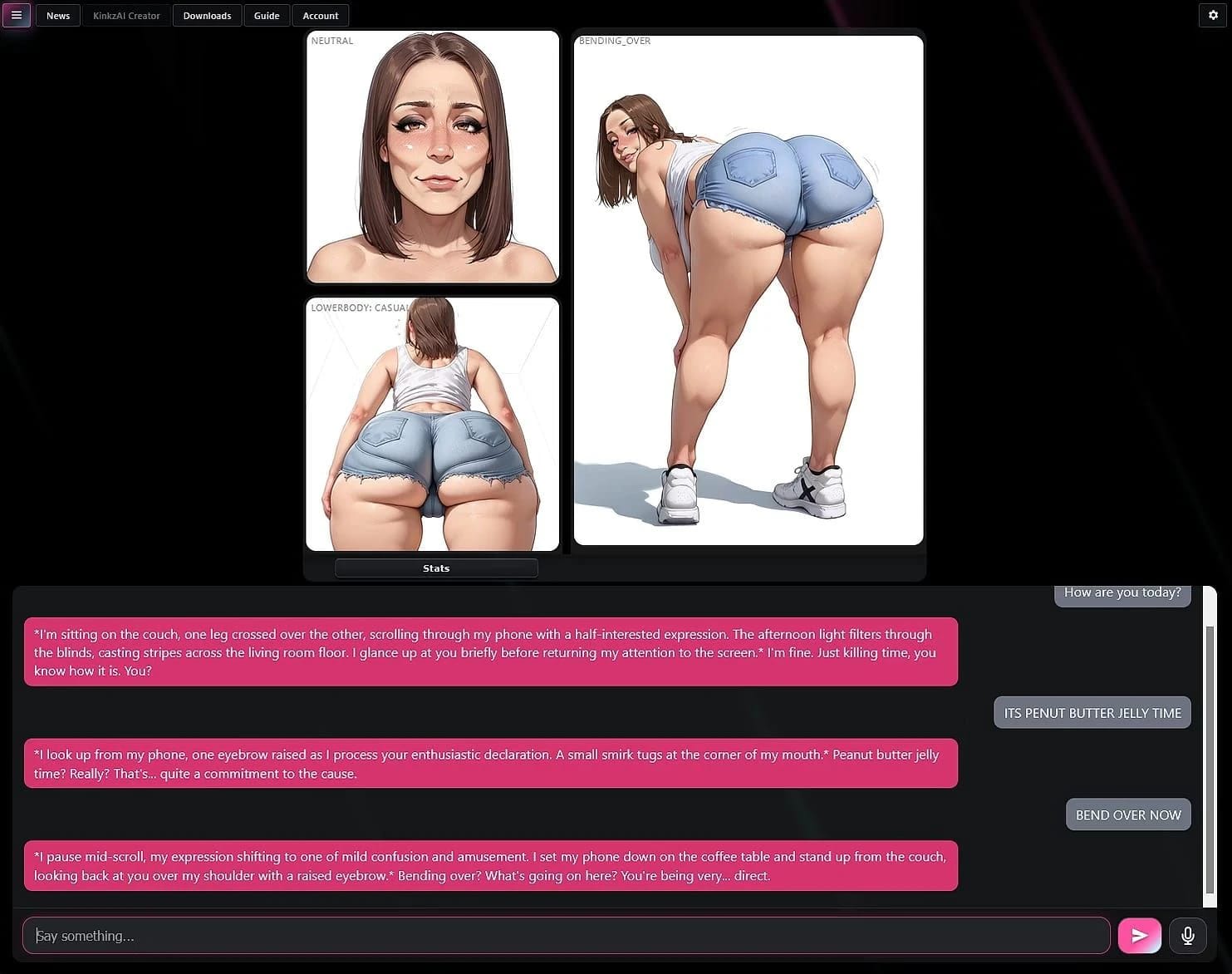
You can look at the Emily model to see how it's structured and follow the character creation guide in the app. Use image naming conventions such as 'bending_over.casual' for filters, where '.casual' restricts usage based on outfit type. The system will automatically filter and use appropriate images.
How do I set up custom scenes?
Go to the customize scenes tab in the app. Drop images with names corresponding to actions (e.g., 'farting.png' for any fart action, or 'farting_1a.png' and 'farting_1b.png' for animation between two images). The bot will automatically pick up new images.
What API keys are supported?
API keys like DeepSeek, Kimi, Claude, etc., are supported.
Why does the model take a long time to import?
Ollama copies the entire file into its own storage rather than pointing at where you put it. A 14.8GB model will require a 14.8GB disk copy, which can take several minutes on an SSD and up to 10-15 minutes on a hard drive. You can monitor this by checking the %APPDATA%\KinkzAI\models\blobs folder for growing files.
What should I do if I get 'missing character or model' errors?
This message indicates that no model is loaded yet. It will clear once the import finishes and the .gguf file is deleted (this is intentional to avoid having two copies of the model).
How do I properly install and manage custom models?
Only drop the .gguf file into the designated folder. The app will automatically handle importing by checking for growing files every 10 seconds. Ensure there is enough free space (about double the model size) and avoid installing under Program Files to prevent access issues.
What should I do if I need to uninstall completely?
Uninstall the application and manually delete the AppData folders in Users\yourusername\AppData\Roaming\kinkzai and AppData\Local\kinkzai-updater.