Is this game made using RPG Maker MZ?
Yes, it was initially started in RPG Maker MV but switched to RPG Maker MZ when it was released.
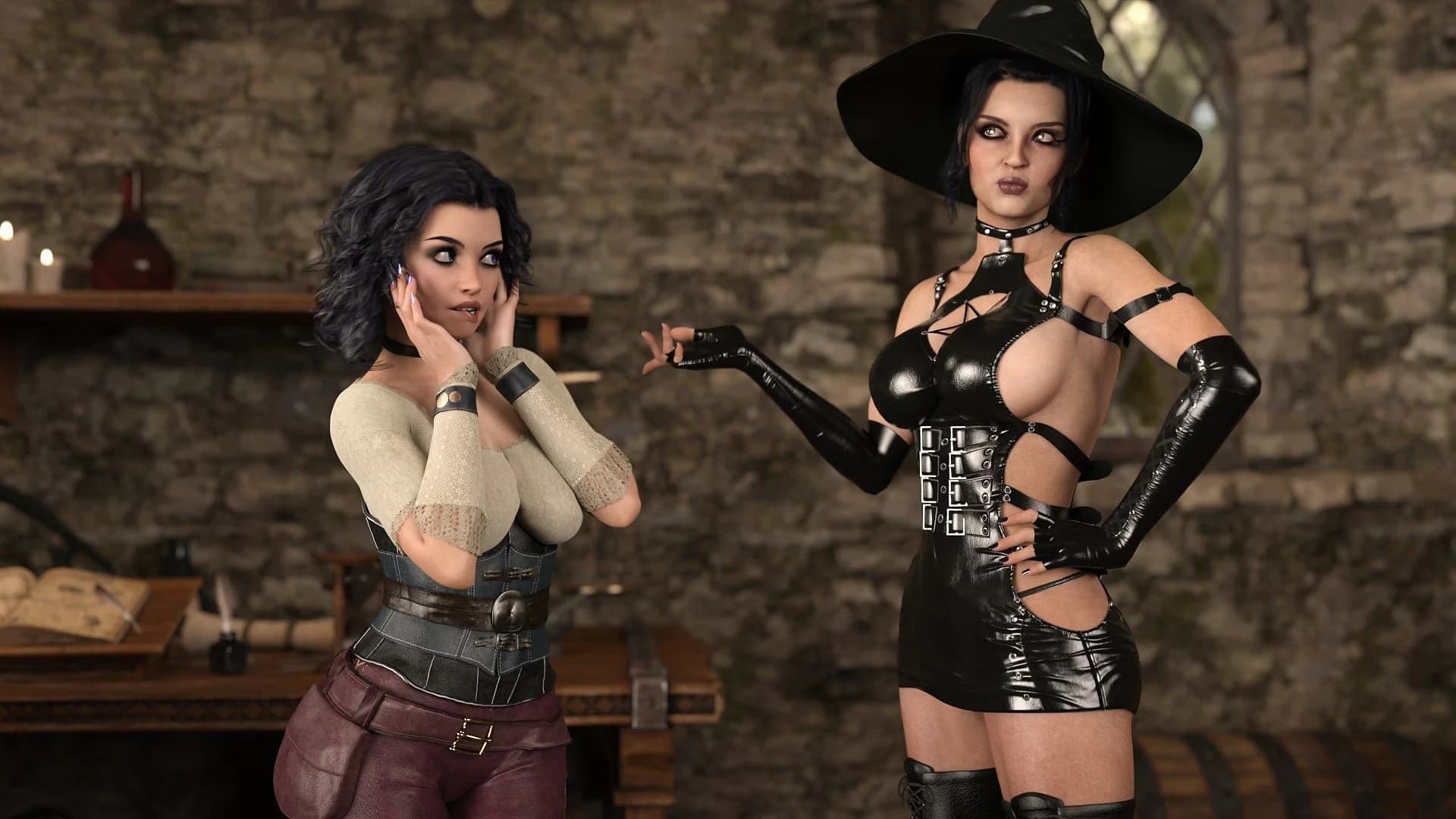
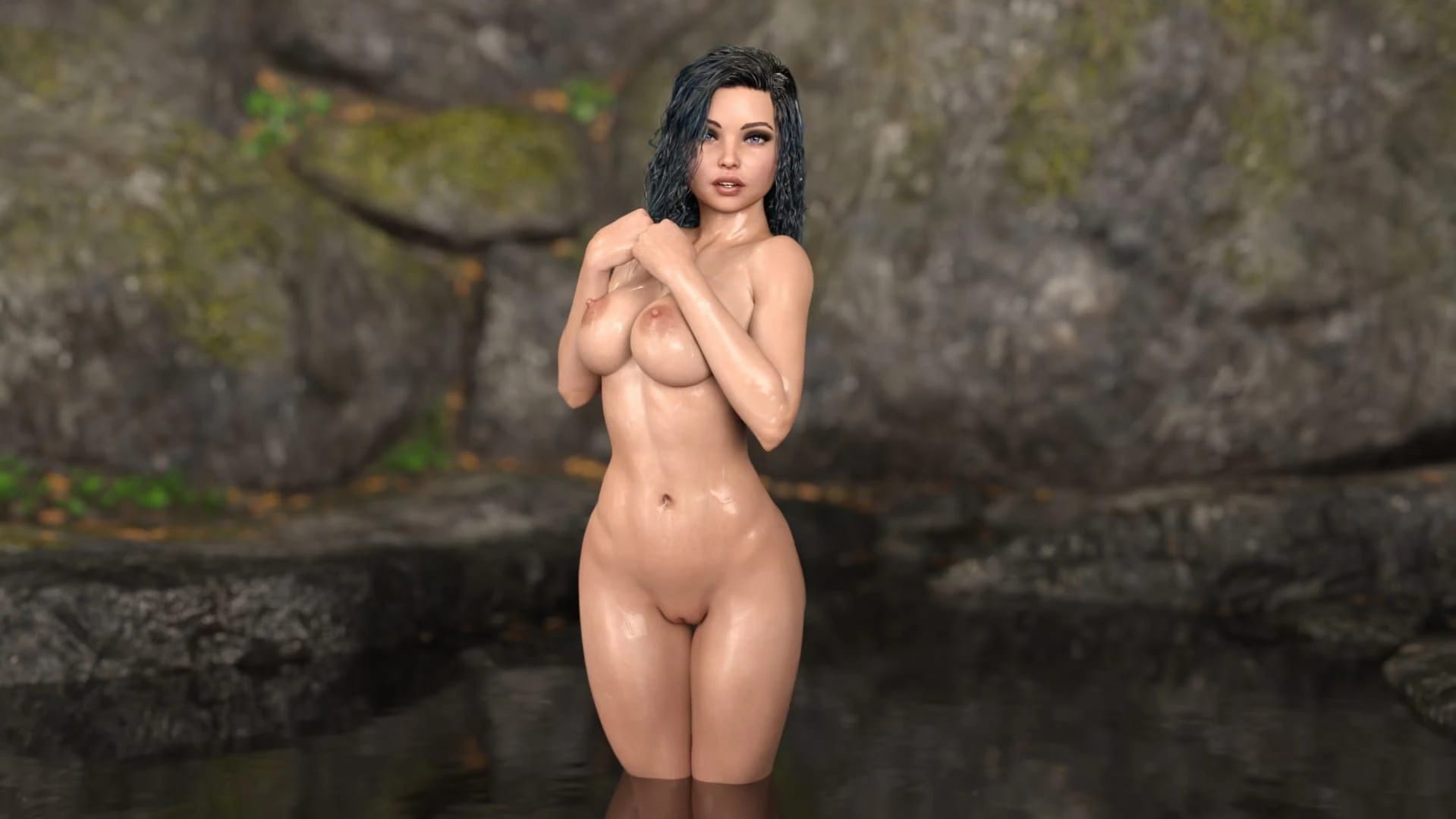
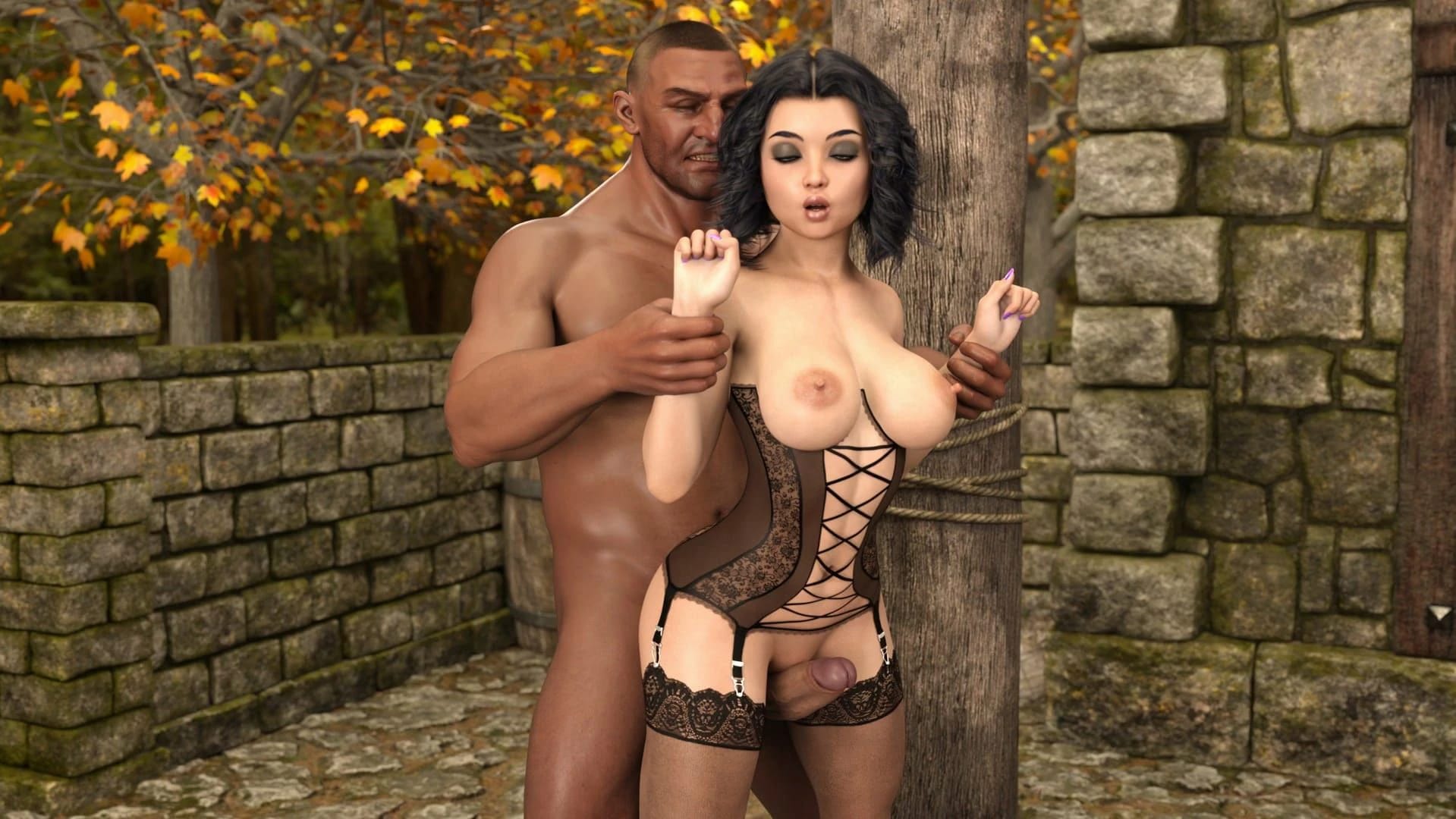
This JRPG · Unreal Engine game is available for free on LELALOL. No payment required — sign in to unlock direct download links for Windows, Mac, Linux, Android, and iOS when available.
Last updated on LELALOL: Sep 29, 2026
Yes, it was initially started in RPG Maker MV but switched to RPG Maker MZ when it was released.
Check the original post (OP) for links or instructions on how to handle these specific file types.
Yes, your computer needs to meet the system requirements for RPG Maker MZ to ensure compatibility. The minimum requirements are: OS - Windows® 8.1/10 (64-bit), Processor - Intel Core i3-4340 or better, Memory - 8 GB RAM, Graphics - Compatible OpenGL / VRAM 1GB or better, Storage - 4 GB available space, and Display - 1280x768 or better.
Old saves are not supported due to changes in recent updates. However, starting from v0.1.5, full saves can be found in links provided within the thread.
If you have 8 GB RAM and Task Manager shows all 8 GB are detected, it's likely your system is running a 64-bit version. A 32-bit OS cannot support more than 4 GB of RAM.
Check the Gallery for available events. If there are no grayed-out events in the sauna category, you have likely seen them all.
You can find and run the game by opening Game.app/Contents/MacOS/nwjs. This can be done either through right-clicking the app, selecting 'Show Package Contents', and navigating to it manually, or using the command line with 'open Game.app/Contents/MacOS/nwjs' in the Mac terminal.
Window mode should be available after configuring fullscreen settings in the Settings menu. Try enabling fullscreen, applying settings, then disabling fullscreen and applying again to generate a configuration file for window mode.
An unofficial workaround involves downloading an api-ms-win-downlevel-kernel32-l2-1-0.dll file from the internet and placing it in your Windows\System32 folder. However, proceed with caution as this solution is unverified by the developer.
Save game options are available through pressing the Esc button to open the menu.
Version: 1.0
Workaround: Reinstall the game
Cheats and codes for this game are available to signed-in members.