How do I fix the missing image error?
Place the missing image file, specifically the one attached to the error message, into the www/img/system directory. You might want to redownload the file as all necessary files should be included.
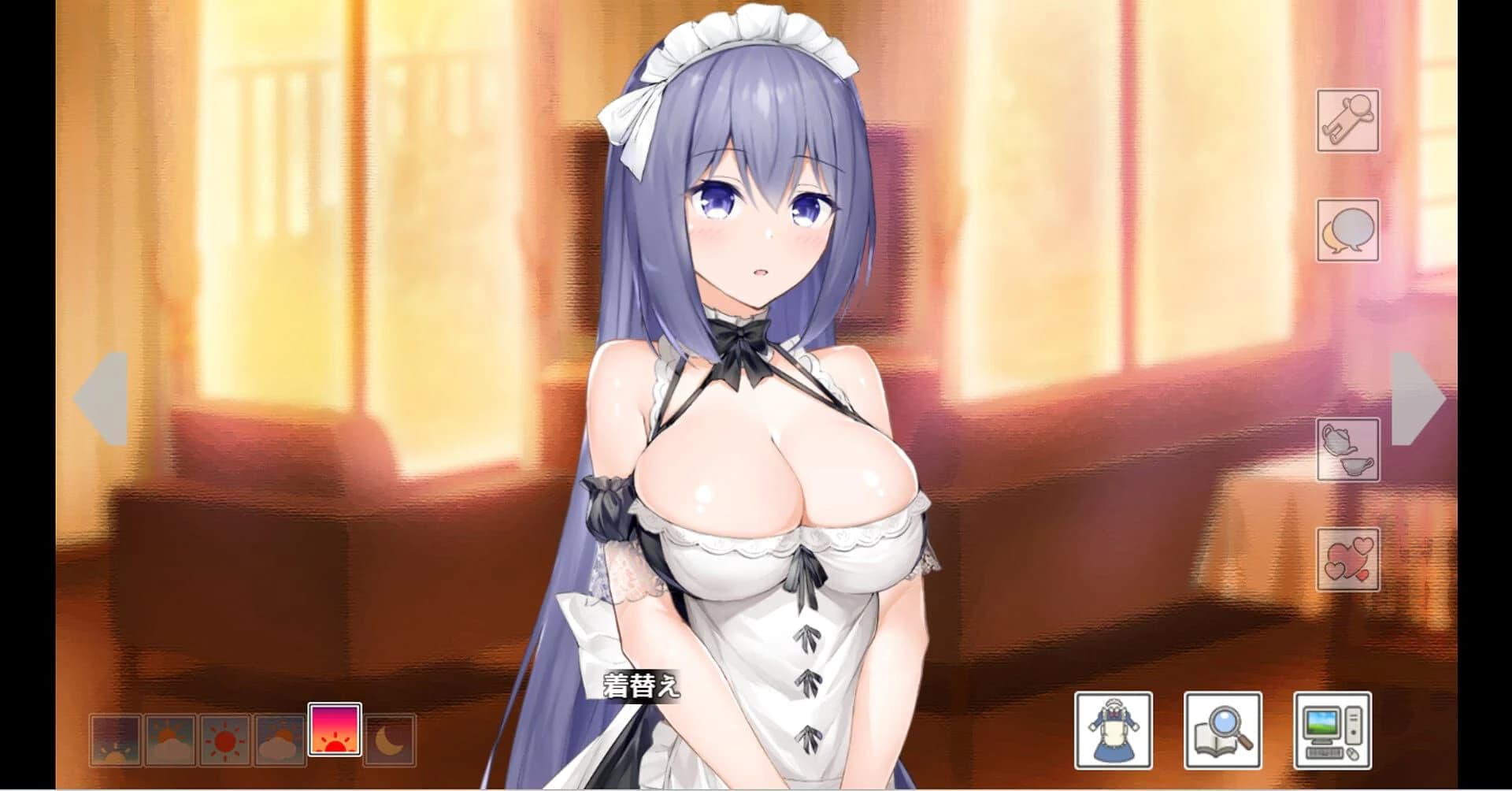
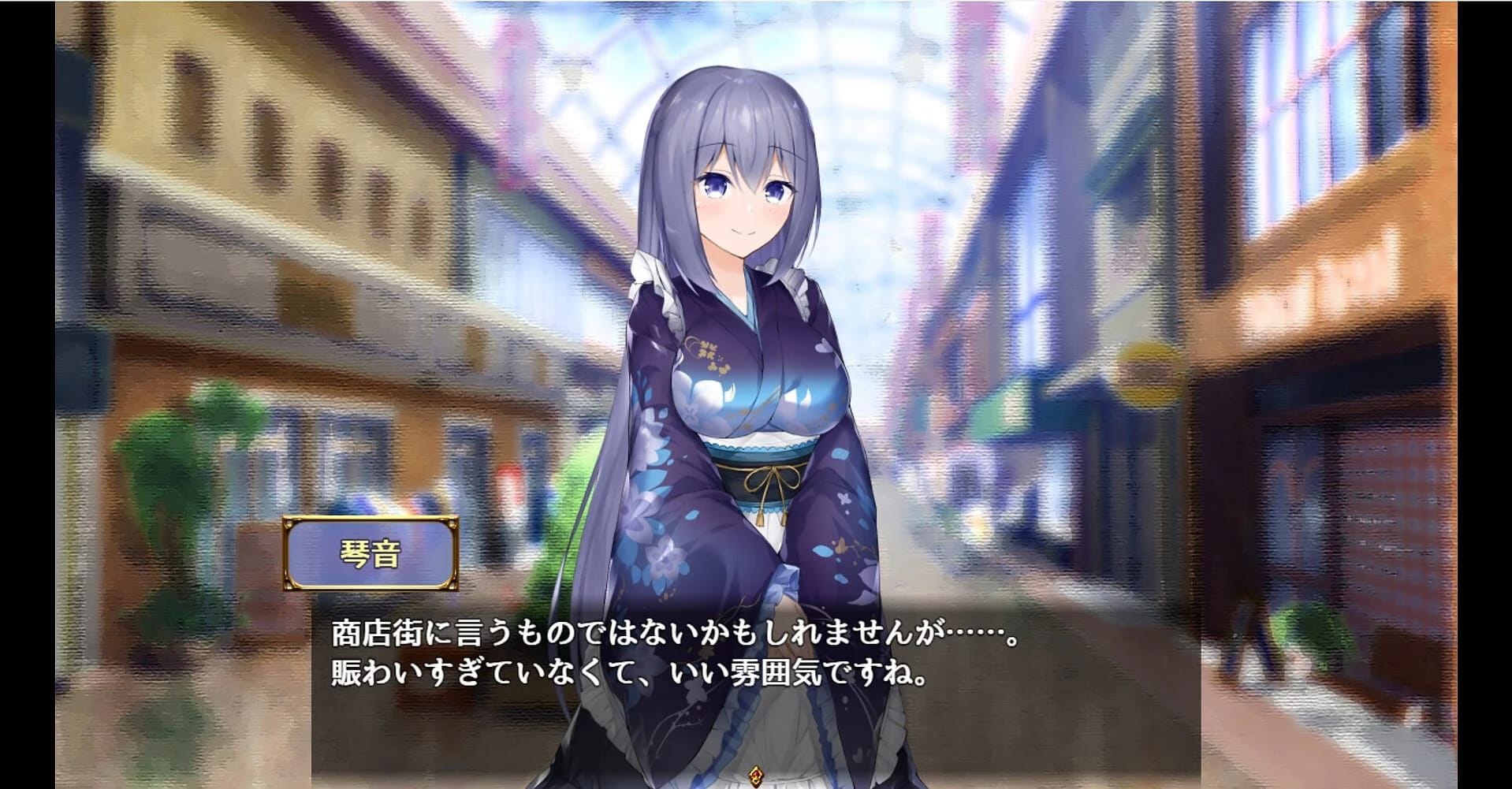
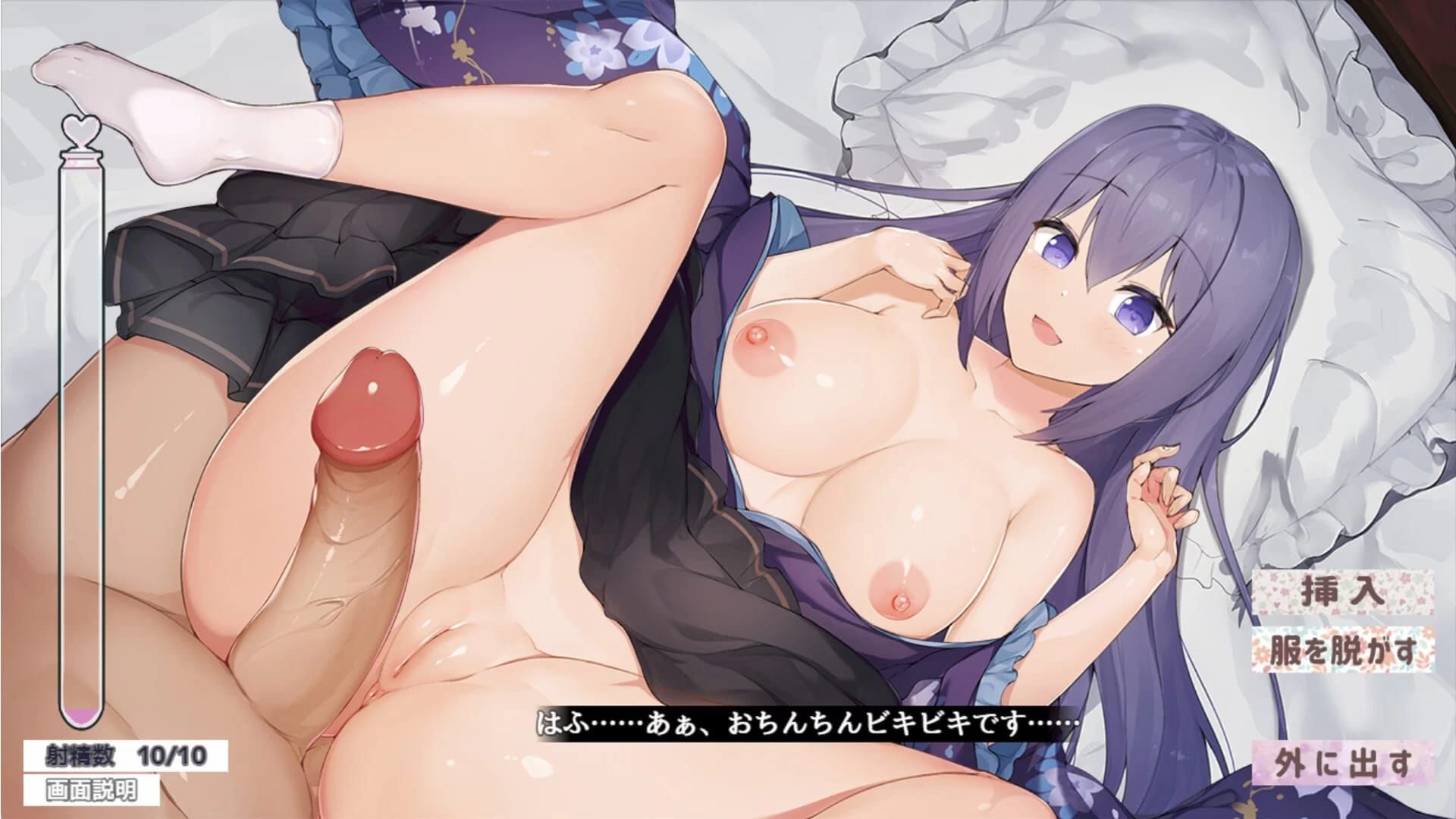
Cheats and codes for this game are available to signed-in members.
Place the missing image file, specifically the one attached to the error message, into the www/img/system directory. You might want to redownload the file as all necessary files should be included.
Change the locale to Japanese when you extract the .rar file using WinRAR (Ctrl + E and select Japanese Shift).
Use a page or tool that fixes encoding issues for non-WinRAR users, such as 7zip.
Android is not a supported operating system for the game. Play on a Windows computer instead.
Increase the volume of BGS category audio files using Audacity and replace them in the \www\audio\bgs directory. Ensure to keep the BGS volume setting high in game options.
Workaround: Prevent the issue by using escape
This Simulation · Others game is available for free on LELALOL. No payment required — sign in to unlock direct download links for Windows, Mac, Linux, Android, and iOS when available.
Last updated on LELALOL: Jul 26, 2026