How can I limit the FPS in the game?
To cap the FPS, press the tilde key (` or ~) to open the console and enter 'r.Vsync = 1'. This enables Vsync and locks the game's FPS to a reasonable rate. Alternatively, you can set an FPS limit directly in your GPU settings.
What does this error mean when loading the game?
This error typically indicates that there is something in the game’s code that needs to be loaded but cannot be accessed immediately. It could also stem from issues with Unreal Engine's finicky coding. The developers need to address these problems, and players can only hope for a proper load without issues.
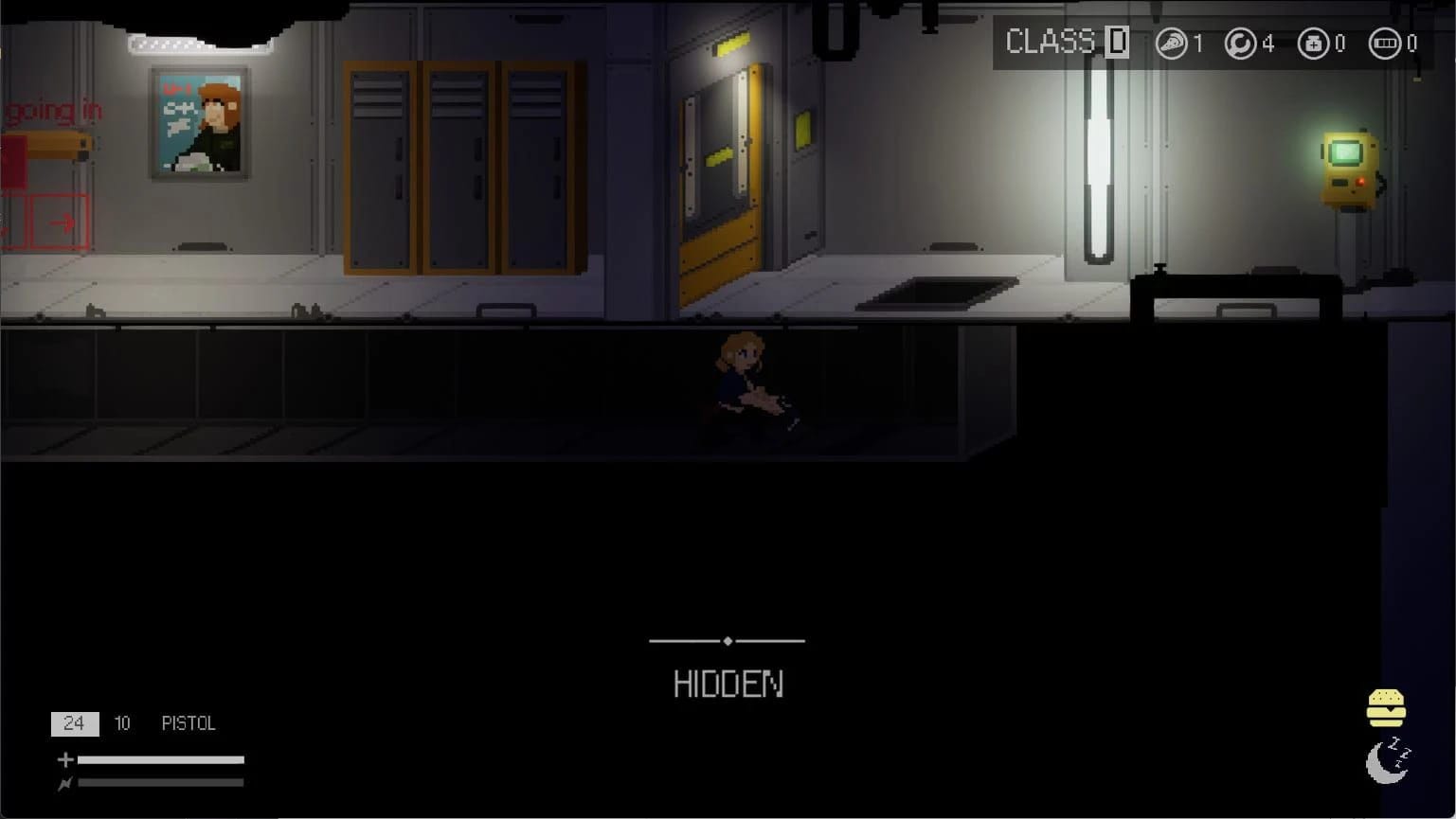
What does the hamburger icon in the bottom right corner do?
The hamburger icon likely manages aspects such as hunger and sleepiness. However, due to the game's early development stage, it may not function yet or could cause health regeneration if active.
How do I open and use the camera mode?
To unlock the camera mode, press ';'. Use left and right arrow keys to tilt up or down, 'W' to zoom in, 'S' to zoom out. Press 'A' for left movement and 'D' for right movement. Scroll wheel adjusts speed/slow the camera movement. Press ';' again to close the camera.
Where does the game save my progress?
The game saves in Pasec\build1\Windows\Pasec1\Saved\SaveGames.