How can I claim the dev tag on the game forum?
Please follow this link and make a request to claim the dev tag.
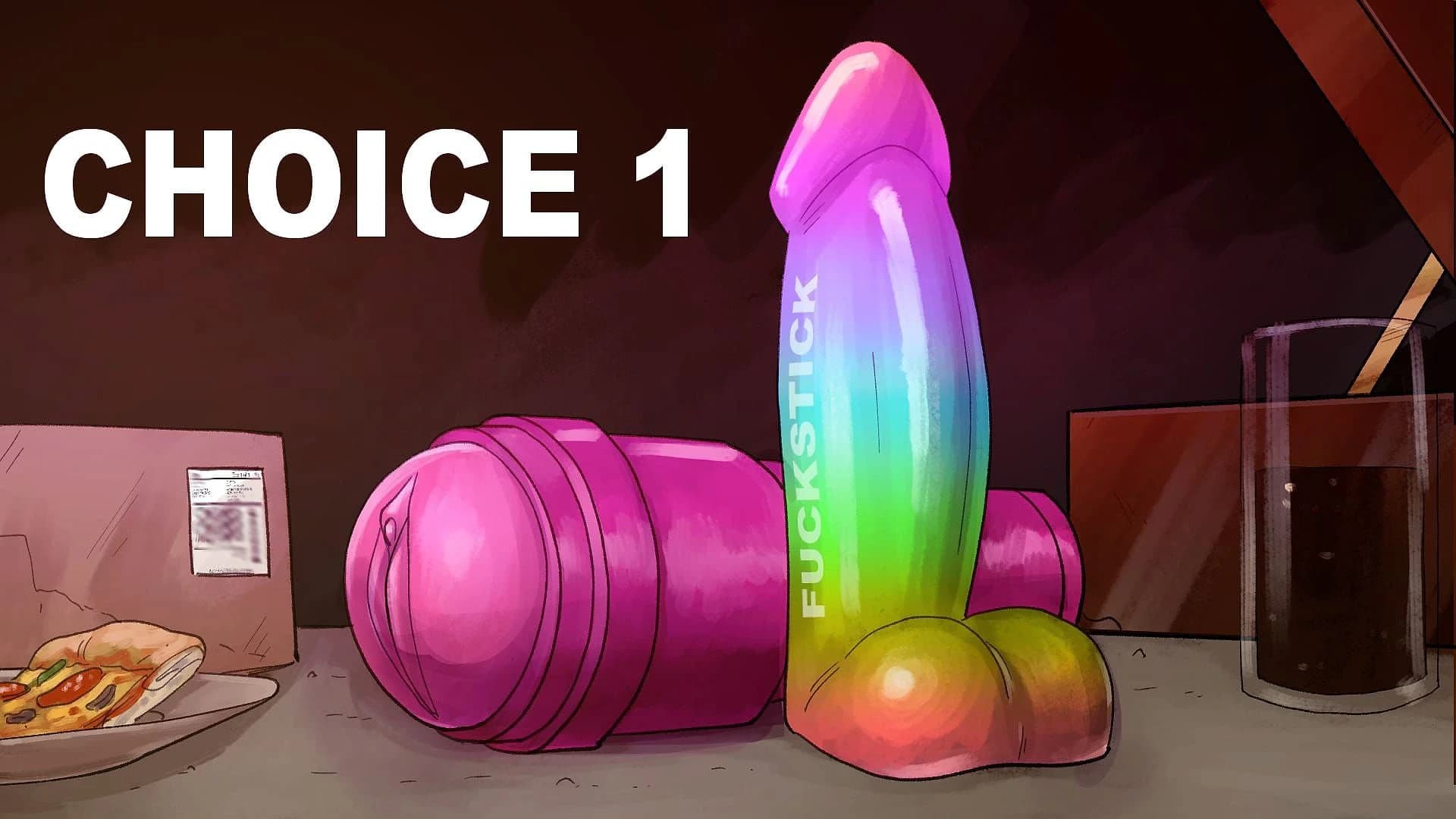


Cheats and codes for this game are available to signed-in members.
Please follow this link and make a request to claim the dev tag.
The game is an HTML game that works on Android, but you might need an HTTP server for images and scripts to load properly. A few people play it on Android using this setup.
1. Download and install Simple HTTP Server and AZIP Master. 2. Extract the Play Things RAR file to a folder on your phone (e.g., Documents). 3. Set the root folder of the HTTP server to where the index.html file is stored. 4. Start the HTTP server and open its address in your web browser. 5. Begin playing the game.
Since it's an HTML game, you could add a small icon that doesn't obstruct text and allows users to navigate pages by clicking/tapping on it. This way, players can position their cursor/finger without moving.
An infographic for the keyboard controls is planned for inclusion in a technical update at the end of next week.
The 'progress bar' concept suggests that users might be able to swipe from left to right and eventually scroll directly to needed pages using the sidebar.
Publishing a list of all names in documentation or within the game could allow players to use Ctrl+H (Find) right from the start, enhancing their experience.
The game is currently an HTML version but plans are underway to create an Unreal version. The scripting language used, Ink, supports various platforms like Godot, Unreal, and Unity.
This Text Adventure · Others game is available for free on LELALOL. No payment required — sign in to unlock direct download links for Windows, Mac, Linux, Android, and iOS when available.
Last updated on LELALOL: Jun 8, 2026