Why is performance poor on medium settings with a high-end GPU?
The game creates cache and shaders upon first launch, which can cause initial performance issues. However, the developers are working to optimize it as they add more content.
Cheats and codes for this game are available to signed-in members.
The game creates cache and shaders upon first launch, which can cause initial performance issues. However, the developers are working to optimize it as they add more content.
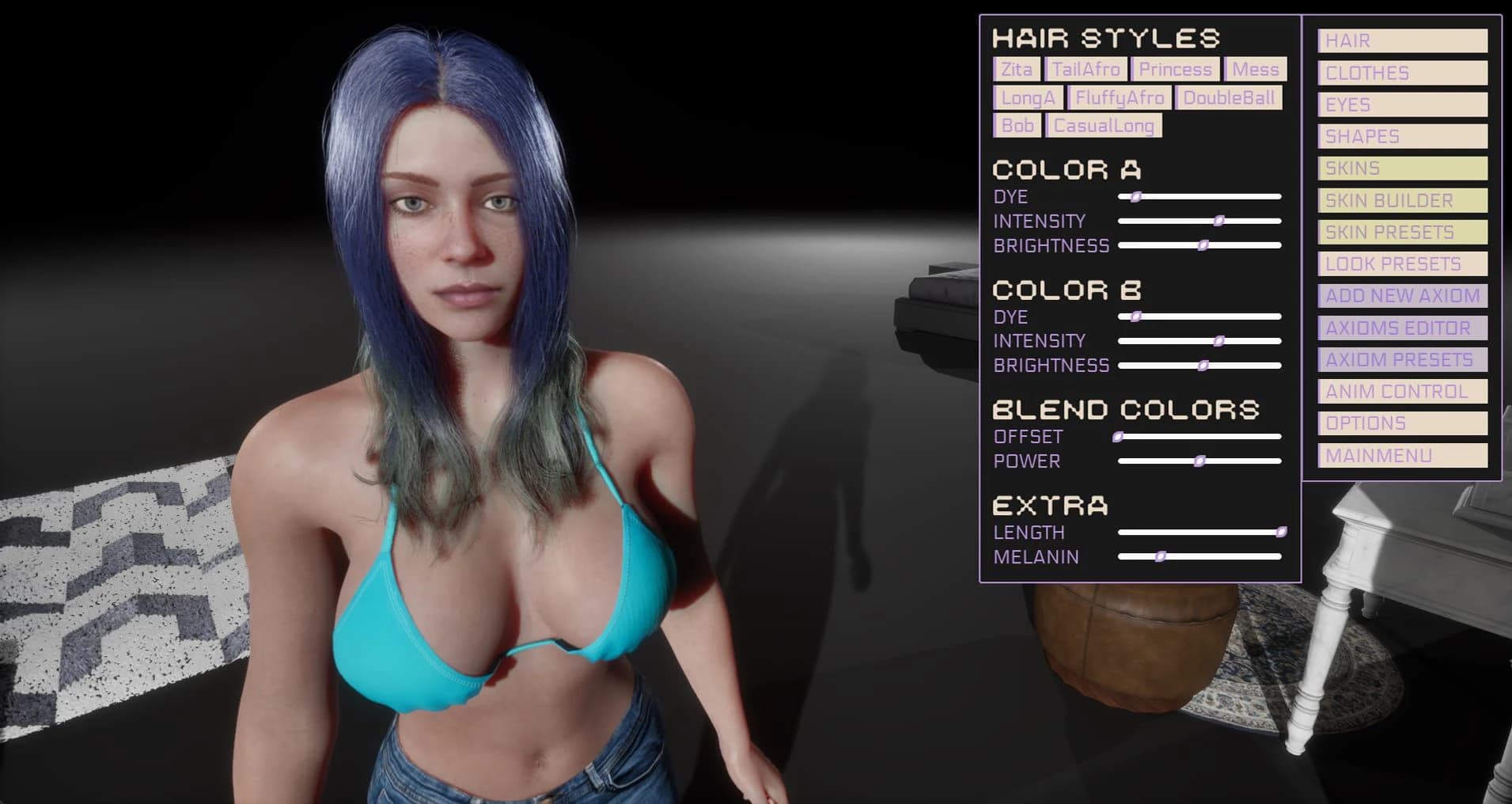
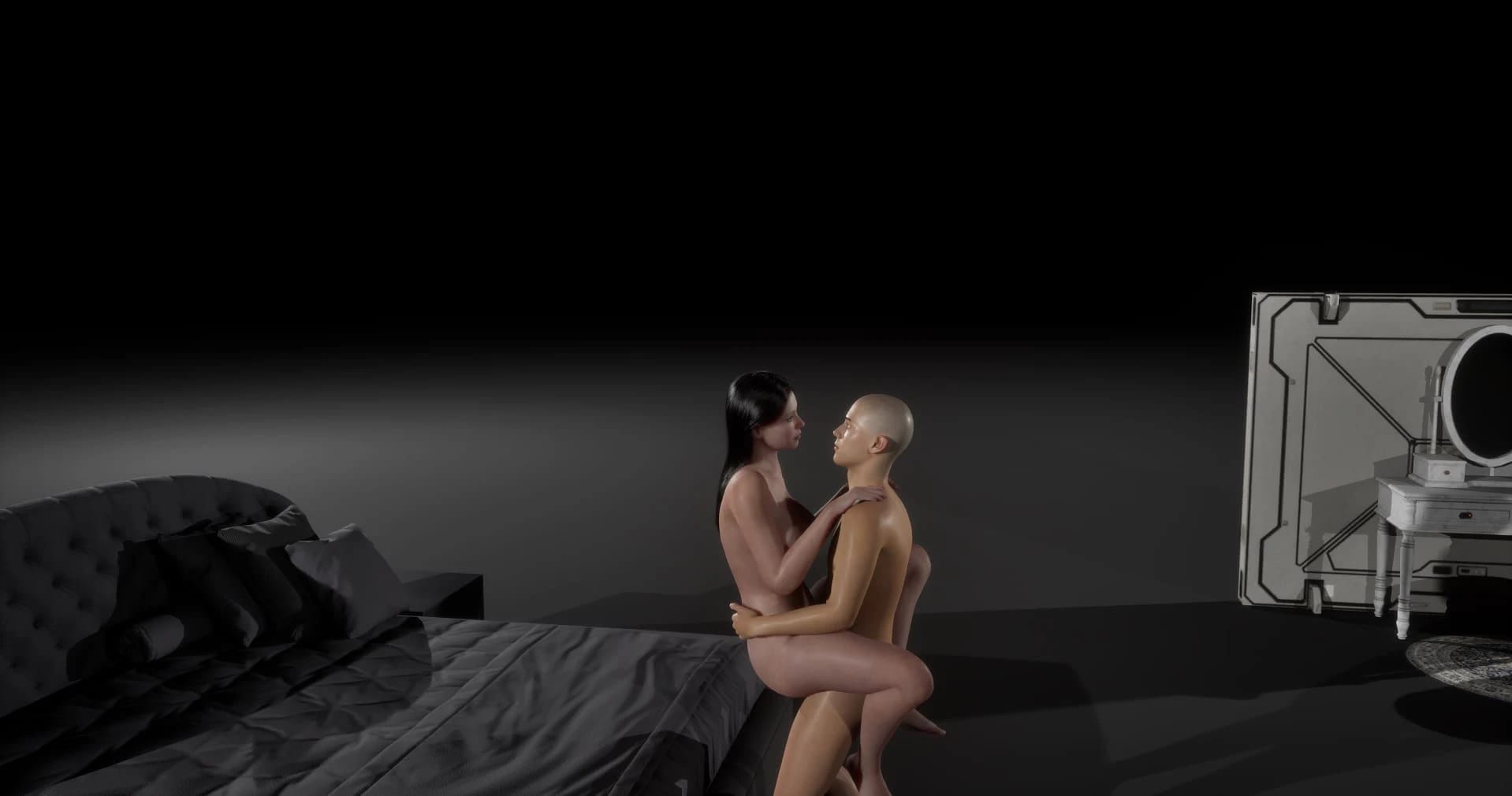
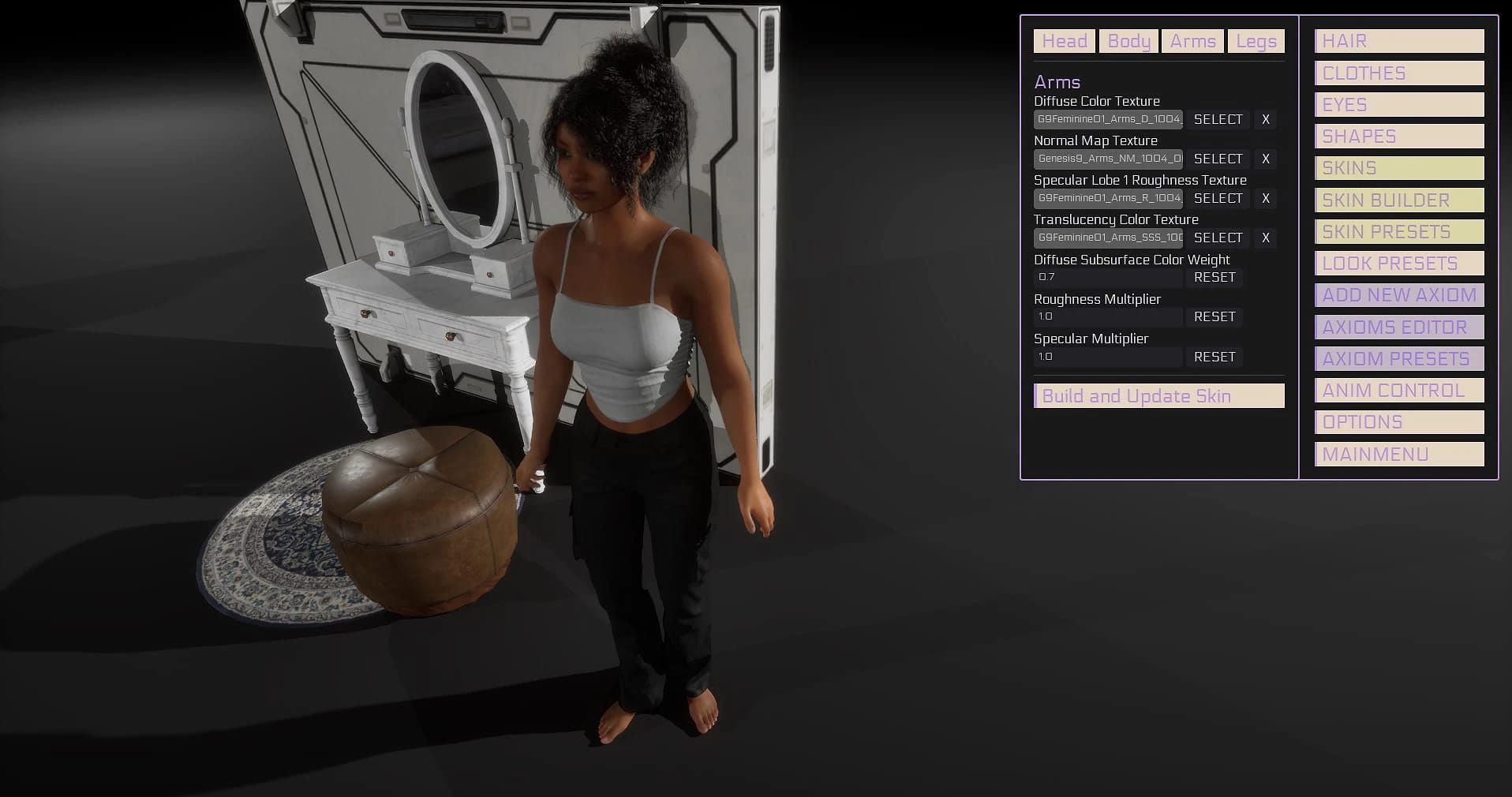
Recent updates include shareable character profiles, clothes system, body modifications, skins system, ask dialog for main menu button, pectorals physics (basic), camera improvements, and bug fixes. Additionally, v0.4.0 includes dual color for hairstyles, first-person camera, free camera in freeroam, mainmenu soundtrack, audio on button clicks, new animations, and hairstyles.
Character presets can be saved using the shareable profile feature. The exact method is not detailed but involves creating and sharing character files.
Yes, an in-game level editor has been implemented to allow players to create their own levels with built-in or custom assets. It includes features like different light types, physics assets, editable materials/textures, and scripting support.
Pressing Q key toggles between menu control and camera control. This is not explicitly documented in-game but can be useful for navigation.
Currently, the game does not support window mode. However, pressing F11 or Alt+Enter allows you to move the game between monitors and back to full screen on a chosen monitor.
The inclusion of specific scenes in future updates is not currently confirmed. However, the developer community and players are hopeful based on feedback and suggestions.
DirectX 12 may cause compatibility issues with some systems. To resolve this, download the DirectX 11 version of the game from the Discord link provided in the first page or contact the developer for a build to test.
The game aims to be mod-friendly and easy to use, drawing some inspiration from established titles. The focus is on creating an environment where users can easily create content without needing advanced technical skills.
This Sandbox · Unreal Engine game is available for free on LELALOL. No payment required — sign in to unlock direct download links for Windows, Mac, Linux, Android, and iOS when available.
Last updated on LELALOL: Aug 19, 2026