How do I fix the bug in Jessica's path?
Download the latest bugfix to resolve issues with repeating text during paperwork for Jessica's path.
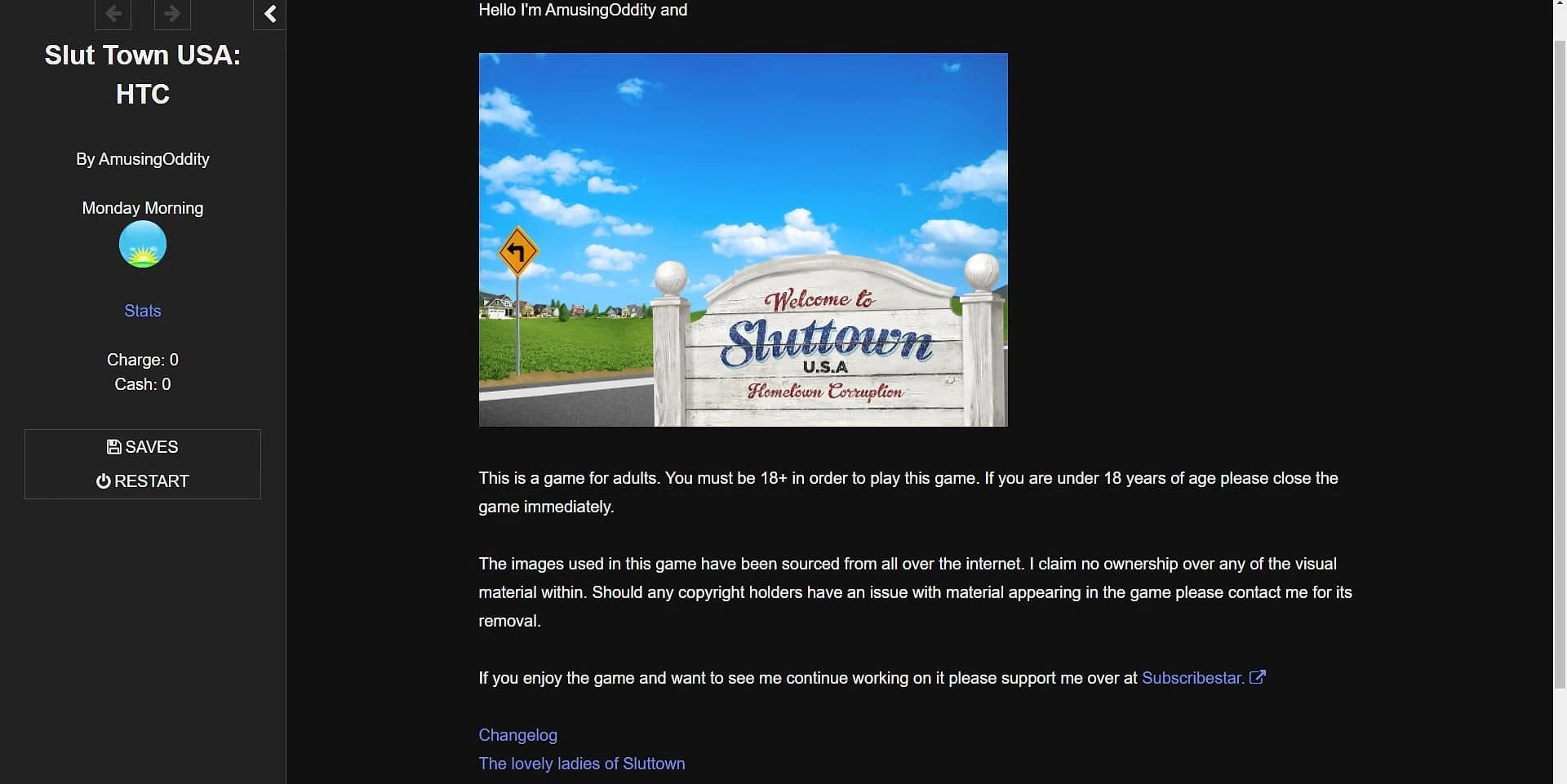


This Interactive Story · HTML game is available for free on LELALOL. No payment required — sign in to unlock direct download links for Windows, Mac, Linux, Android, and iOS when available.
Last updated on LELALOL: Oct 7, 2026
Download the latest bugfix to resolve issues with repeating text during paperwork for Jessica's path.
After reaching hypno level 3, Elliot can only be progressed using the app regardless of charge levels or time of day. This may also coincide with a black screen issue for Jessica.
Refer to the game guide for progression details. Time and location affect whether using the app will have an effect on NPCs. For example, Jessica requires two stages: first attune her in the teachers lounge then call her into your office later.
After meeting and talking to Elliot, a new computer option appears to learn coding, which increases the max charge increase possible from the charging game. A new NPC is introduced once you reach a certain point in the coding game.
You can manually adjust SugarCube.State.variables.charge to skip grinding, but this should be used with caution as it may disrupt gameplay balance.
To extend the time limit, edit the HTML file and search for 'timed 3s'. Adjust the duration as needed (e.g., change '3s' to a higher number) depending on your progress in the coding section. For early stages with a max charge of 5, use 3 seconds; for later stages with charges up to 8 or 12, increase it to 4 seconds.
Check your Images/Nav folder for a file named MapMenu.jpg. This image acts as the map menu button. If missing or corrupt, download and place it correctly to proceed.
Download the 'jess only update' HTML file from the front page and place it in the same folder as your images. Ensure you have the correct build by checking for recent updates or downloading a more recent version.
Look for a small icon at the bottom right of the room picture to access outside locations and move forward in the game.
To resolve image corruption, download and unpack the images zip file into the same directory as the HTML. Ensure you have the correct version of the image pack (e.g., 0.2 or 0.3) to avoid any missing scenes.
The 0.3 update is a small packet and does not include new images for earlier parts of the game. You need the full 0.2 image pack to get all previous content.
To resolve the variable setting issue in Karlee's chat scene, ensure you fill up the XP bar with her and then sleep. This will force the necessary variables to set correctly.
Abella may not show up if the $abellaReady variable is not set properly. You can manually define it in the JavaScript console: `SugarCube.state.variables.abellaReady=1` and `SugarCube.state.variables.abellaMax=4`. Ensure you sleep after talking to Karlee.
During Gia's arc, drop by the restaurant on Tuesday evenings when parents are away. This detail might be added in future updates for clarity.
Ensure that both abellaReady and abellaMax variables are defined in your game script. Setting SugarCube.State.active.variables.abellaMax to a specific value, such as 5, may also help.
Reset the Karleestory variable back to its initial value (e.g., 15) and rerun the relevant portion of the game. This can resolve any inconsistencies in the storyline progression.
You need to advance AJ’s story arc further before you can proceed with certain elements involving her relationship dynamics. Moving forward in AJ's narrative will eventually allow you to address the issue with her bully.
If you have already downloaded version 0.2, move or copy the Images folder from that release to your new directory for playing version 0.3. This saves over a gigabyte of re-downloading images.
To progress through the game, build up a full attunement by chatting with characters until you have enough charge. Then use this charge at specific points, such as talking to them at work.
There are specific milestones and interactions required for progressing through various character arcs. For example, advancing AJ’s storyline may be necessary before moving forward with certain plot points involving other characters.
Workaround: Change the name after setting all other options and it'll stick.
Workaround: Double-click on the word which is required (Fast, Quick, etc.), copy it with Ctrl+C, paste it into the field with Ctrl+V.
Version: v02
Version: v0.2
Workaround: Check the small icon at bottom right of room pic for outside locations
Workaround: Check Images/Nav folder for MapMenu.jpg
Version: 0.3
Version: 0.3
Version: 0.3
Version: 0.3
Version: 0.3
Version: 0.3
Version: 0.4
Version: 0.3
Cheats and codes for this game are available to signed-in members.