LELALOL
Search
RandomThePornDude
Search
RandomThePornDude

© 2026 LELALOL. Adult games free download.

AboutContactTerms and RulesPrivacy and Cookie PolicyBest Porn Sites
  1. Home
  2. /
  3. Games
  4. /
  5. The Witch Knight Anna -The Twin-Star Knights and the Black Queen- Chapter 3
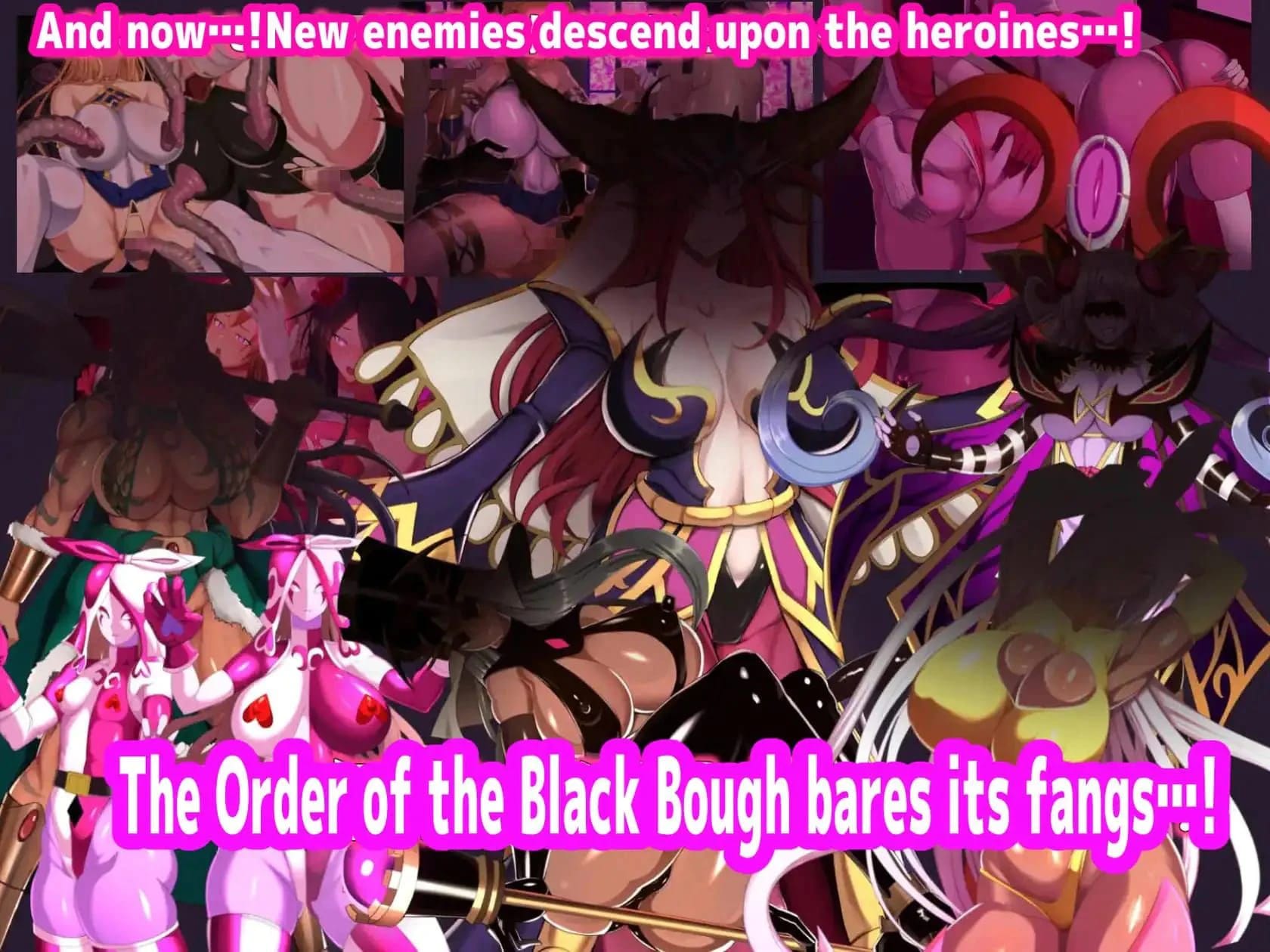
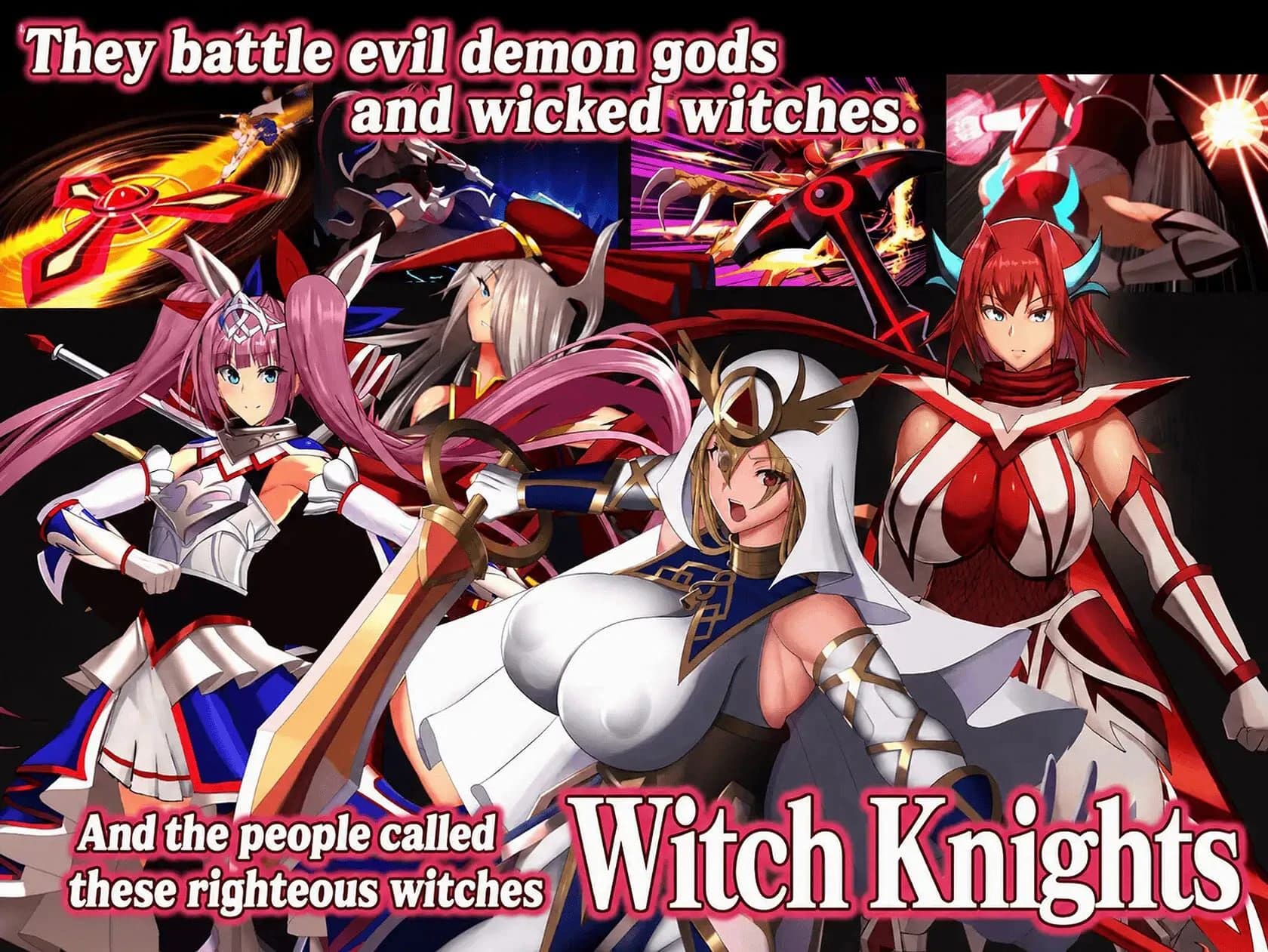
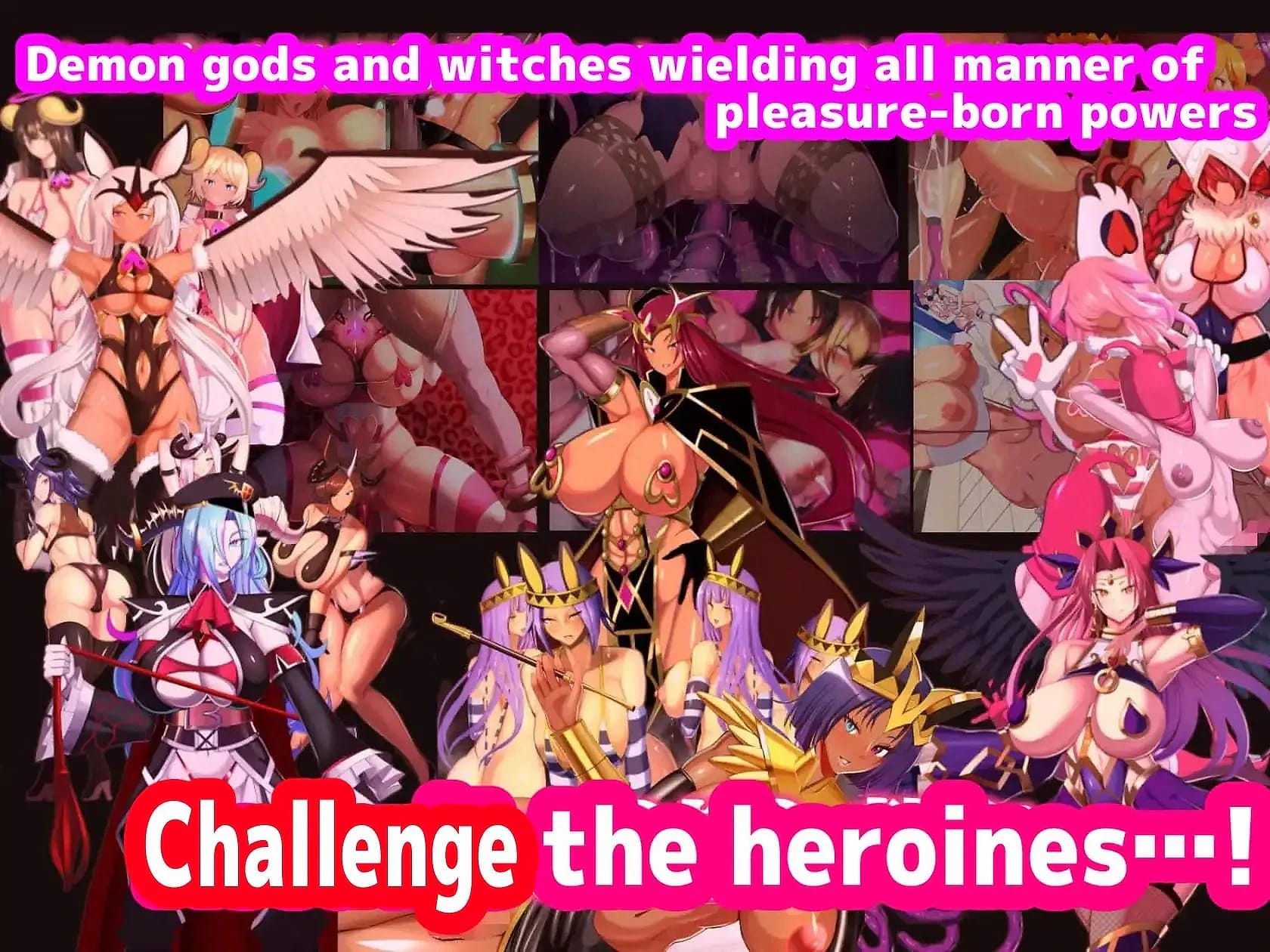
The Witch Knight Anna -The Twin-Star Knights and the Black Queen- Chapter 3 screenshot 1
The Witch Knight Anna -The Twin-Star Knights and the Black Queen- Chapter 3 screenshot 2
The Witch Knight Anna -The Twin-Star Knights and the Black Queen- Chapter 3 screenshot 3

The Witch Knight Anna -The Twin-Star Knights and the Black Queen- Chapter 3

In 0 playlists0 videos0 commentsUpdated Jun 18, 2026
Circle SigmaOthersText Adventure
—
No votes yet

How to Download The Witch Knight Anna -The Twin-Star Knights and the Black Queen- Chapter 3

This Text Adventure · Others game is available for free on LELALOL. No payment required — sign in to unlock direct download links for Windows, Mac, Linux, Android, and iOS when available.

  1. Create a free account or sign in
  2. Return to this page — download links appear below the game info
  3. Pick your platform and download the latest release

Last updated on LELALOL: Jun 18, 2026

Create free accountSign in

The Witch Knight Anna -The Twin-Star Knights and the Black Queen- Chapter 3 FAQ

Where is the save location?

If you applied a patch and can't open the game anymore, check your save files for any conflicts or issues with the new patch.
Is there an auto scroll through text option?

There is no specific auto-scroll feature other than the 'skip' button. However, you can adjust the text speed in the settings.

What does the 'Abandoned' tag mean?

'Abandoned' typically indicates that a project or chapter has been put on hold or is no longer being actively developed.

How do I extract ASAR files and translate KS files?

Use a tool to extract the ASAR file by placing it in the 7-Zip/Formats folder. Extract app.asar contents into an 'app' folder. Use Sugoi for translation, run 'pip3 install requests', then use the provided script with commands like 'python3 .\translate_ks.py .\path\to\scenario\'.

Where can I find updates on game development progress?

Check the creator's CI-en page for regular updates and posts detailing the latest developments in game creation.

The Witch Knight Anna -The Twin-Star Knights and the Black Queen- Chapter 3 Walkthrough

Using Mtool for Game Translation

  • Download and install Mtool to translate game buttons and text. Although the translation isn't perfect, it is generally understandable.
  • Navigate to the directory of the game you want to run, double-click on the executable while using Mtool, then select 'Begin Translation' or 'Run Translation'.
  • Adjust font size in Mtool if the text appears too large by closing the game, changing the settings, and reopening it.
  • Mtool allows running games both with and without translation support. Choose 'Run With Tool' for translated play or 'Run Without Tool' to experience the original version.
  • Consider downloading RAW Japanese games using Mtool once you are familiar with its usage.

The Witch Knight Anna -The Twin-Star Knights and the Black Queen- Chapter 3 Known Bugs

  • Fourth chapter of Mami and Vassilisa appears as a duplicate of the third chapter

The Witch Knight Anna -The Twin-Star Knights and the Black Queen- Chapter 3 Cheats

Cheats and codes for this game are available to signed-in members.