How do I fix an endless spinning camera issue in the game?
Quit the game and ensure Windows is using your graphics card as the primary renderer. You can check this setting in your Windows graphics settings if you are using Windows 10 or 11.
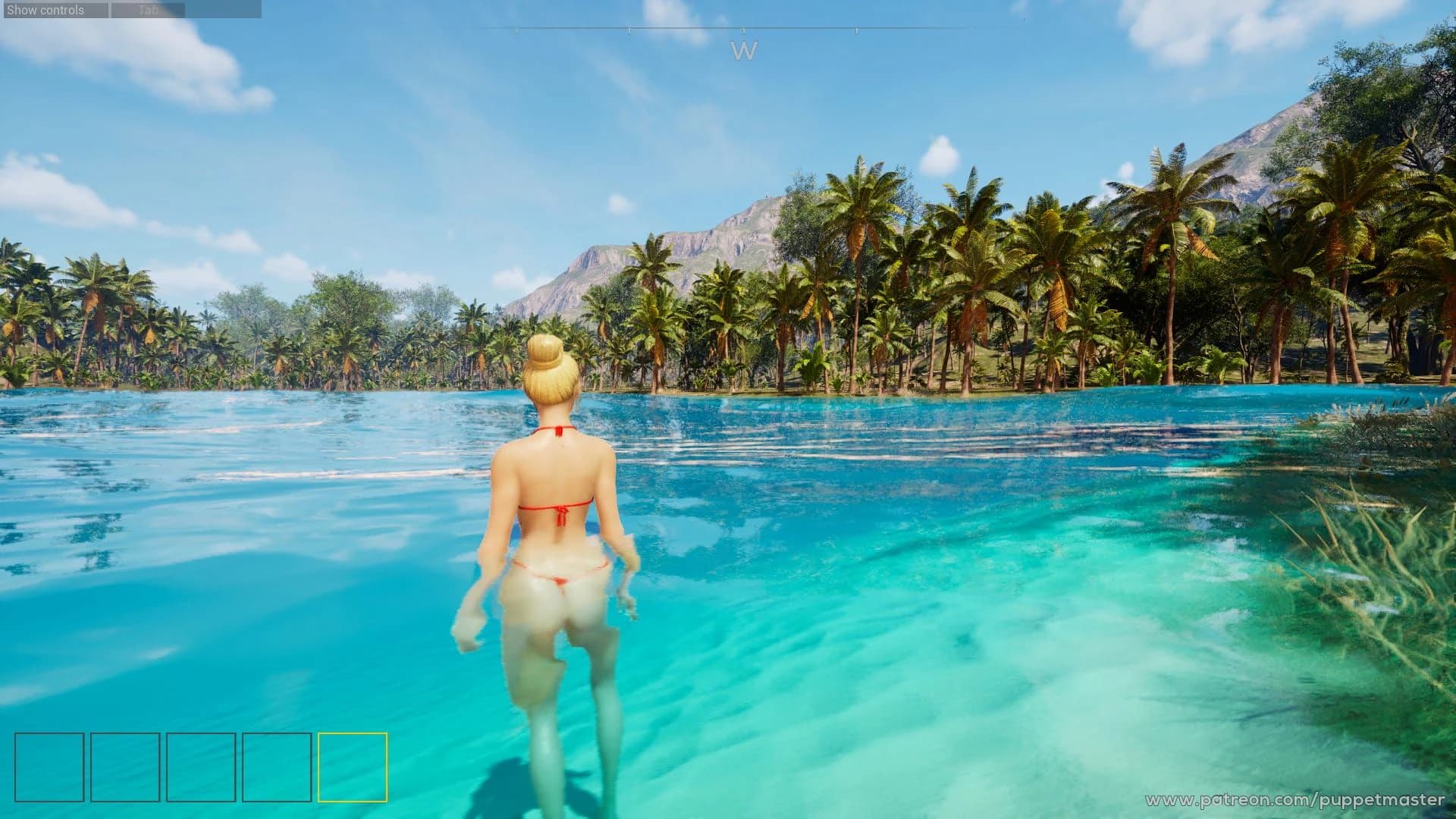
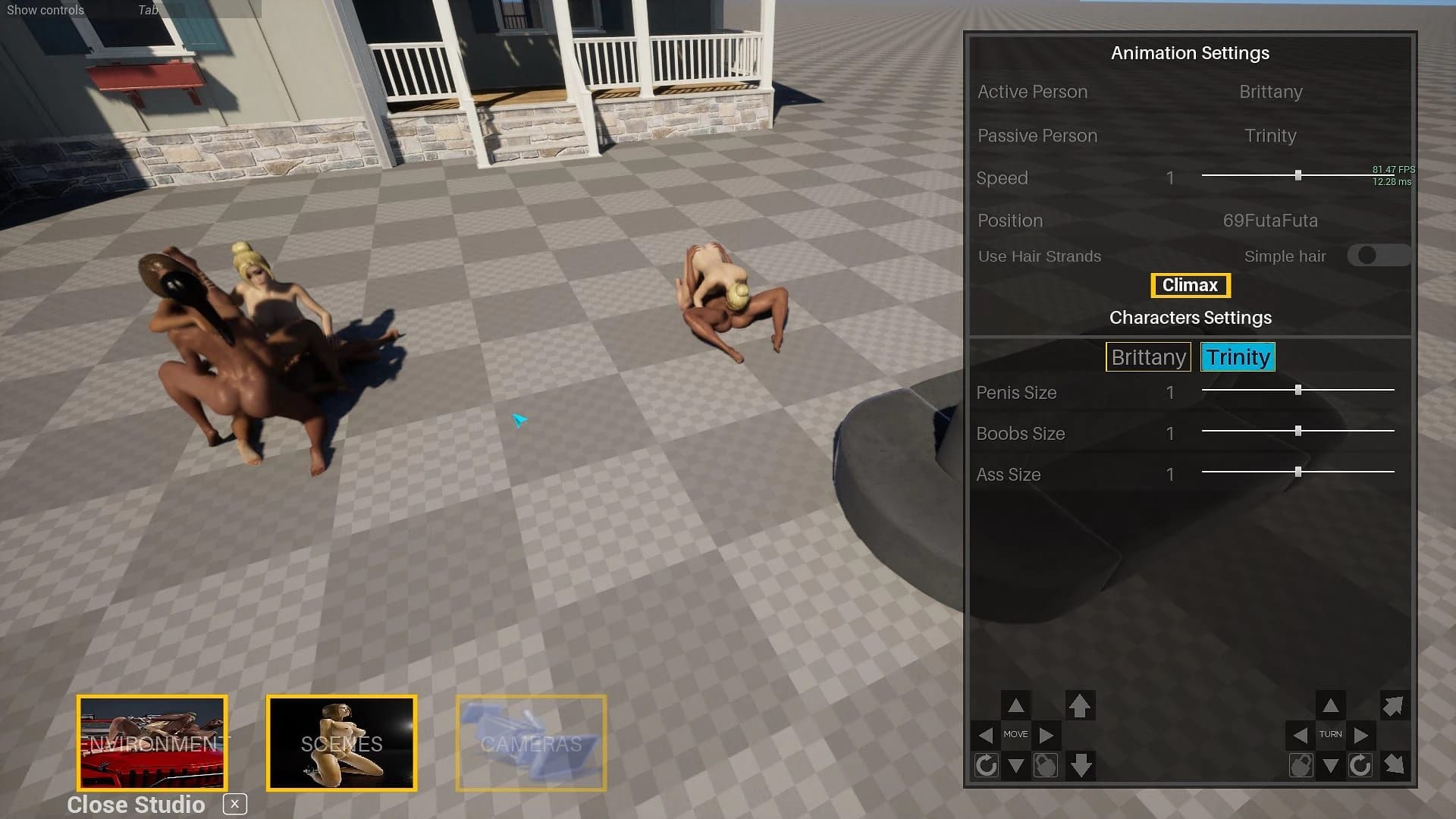
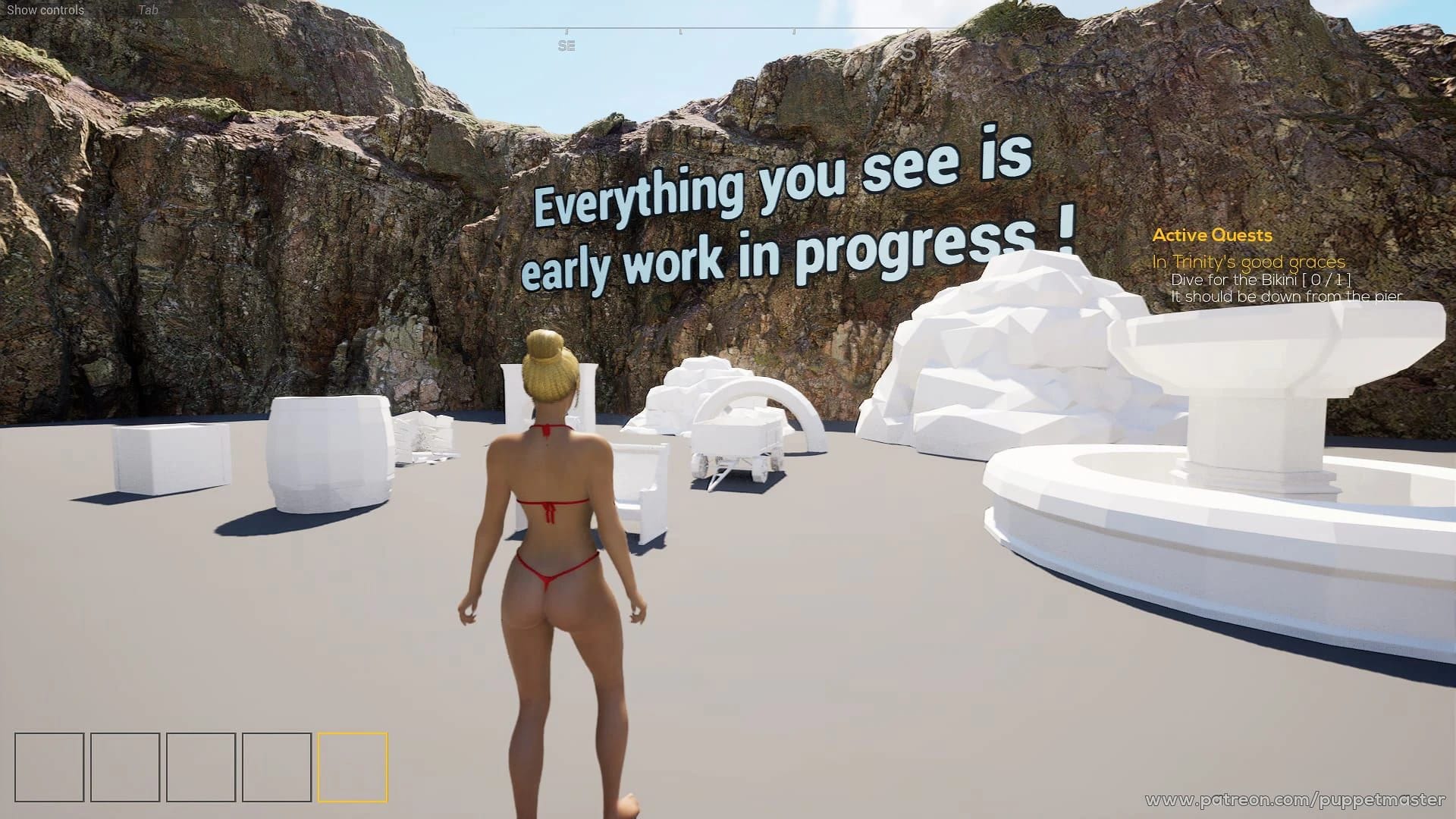
This Sandbox · Unreal Engine game is available for free on LELALOL. No payment required — sign in to unlock direct download links for Windows, Mac, Linux, Android, and iOS when available.
Last updated on LELALOL: Aug 3, 2026
Quit the game and ensure Windows is using your graphics card as the primary renderer. You can check this setting in your Windows graphics settings if you are using Windows 10 or 11.
Deactivating and then reactivating the device in the manager may resolve the issue.
Replace Windows with a fresh installation. Use only the driver provided by Windows, not proprietary software like Adrenaline from Radeon.
Changes made to lights in the project may require rebuilding the lighting after packing the game. This can cause issues if done improperly.
Disconnect the controller before starting the game, then reconnect it once the game is running.
Change to a lower resolution to ensure all elements are visible onscreen.
Use Alt+Enter to toggle between windowed mode and full screen. Adjust settings as needed after switching.
Performance is heavily dependent on your CPU rather than GPU settings. On high-end hardware like an i9-14900HX with RTX 4090 Mobile, you may experience similar frame rates (around 52 fps) regardless of graphics settings due to the game being CPU-bound. Lowering settings further does not significantly improve performance but reduces GPU load.
To prevent issues, delete any existing pose or scene before placing a new one. This method has been effective for maintaining stability in previous versions of the game.
Switch from full screen to windowed mode by pressing Ctrl+Tab, click on the game's window, then return to full screen mode. This can help resolve display issues or improve usability.
The game may suffer from performance issues due to complex 3D objects like individual grass blades, which are computationally expensive and not optimized for better performance. The F5 debug camera can reveal these heavy elements but lacks a foliage quality setting to mitigate this issue.
If the game loader hangs while processing 'Treasurelsland_PreApha_v_8.0.2\Treasurelsland\Content\Paks\Treasurelsland-Windows.ucas', it may be due to an extraction error. Reporting this issue can help developers identify and fix the problem.
The full Steam version of Treasure Island is available without requiring a Patreon link. You can find it via GoFile or Pixeldrain, and it includes both demo and full versions with separate .exe files for each.
The Steam version of Treasure Island is the full retail version that includes all features and poses without requiring a Patreon link. In contrast, the Patreon version requires linking a Patreon account to access full content; otherwise, it operates in demo mode with locked poses.
The Steam 8.1.0 version includes finalized Studio UI consistency, a Transform Gizmo for moving/rotating objects, an updated Swimming Tutorial with reward poses, improved Shooting Range experience, fixed audio issues, and localization updates for Chinese, Korean, and Japanese languages. Known issues include camera rotation problems when using the Transform Gizmo and occasional save/load issues.
To resolve integrity errors with your Steam download, you may need to verify the file integrity or re-download the game. Ensure that your video drivers are up-to-date as well.
The story mode in Treasure Island has a narrative but suffers from bugs, such as getting stuck or walking through walls, which require restarting from the beginning. Save/load functionality was problematic initially but improvements were made in later updates.
The Easter eggs are found on the beach between the Hotel and town area: first one is at the start of the beach, second near the simple pier, third back on the beach, and fourth on the left part of the pier leading to diving instructors and boats.
Version 8.3.2 introduced body color changes (skin, eyes, hair, eyelashes), eye shader with customizable color and pupil size, makeup with specularity and metalness adjustments, lip styles, outfit selection including shirts, pants, bikinis/dickinis, shoes, and strapon mode. Upcoming features include resetting to default settings and more outfits.
To advance dialogue with the spacebar in Treasure Island, ensure you are not accidentally skipping choices too quickly by adding a small delay. This feature is available after certain updates like 8.1.1.
To use the gun that is in slot #1, press '1' on your keyboard to select the weapon and then aim and left-click to fire. This solution was discovered after spending two hours troubleshooting.
Version: v7.4
Version: v7.5
Version: 8.1.3
Cheats and codes for this game are available to signed-in members.